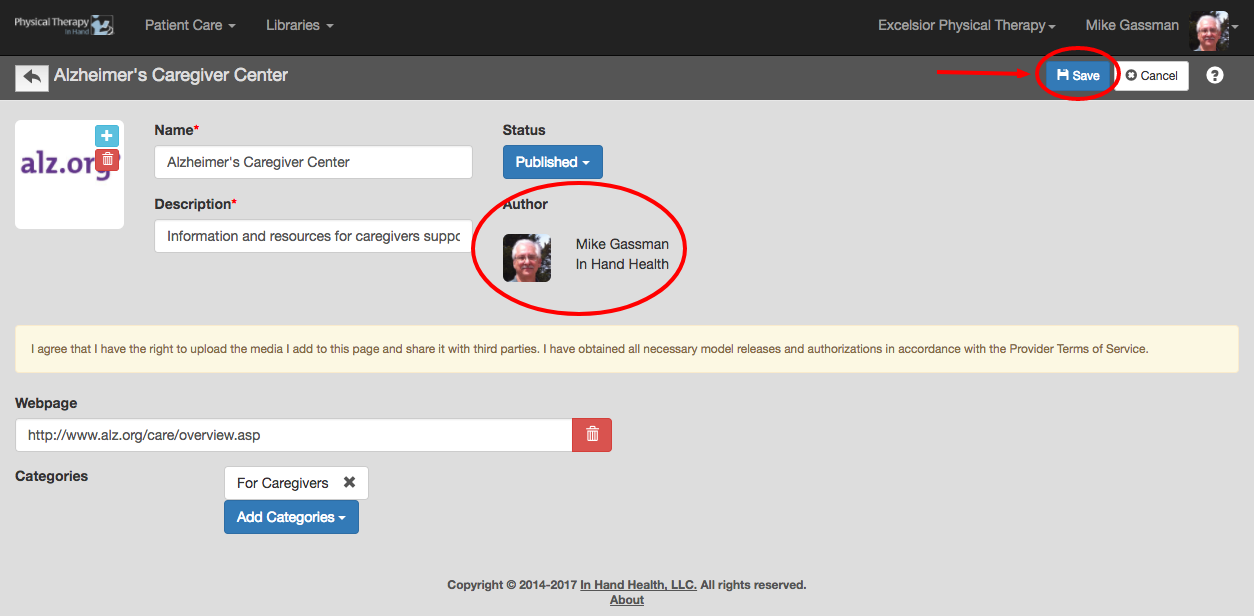
You can modify/edit the descriptions for any Resource.
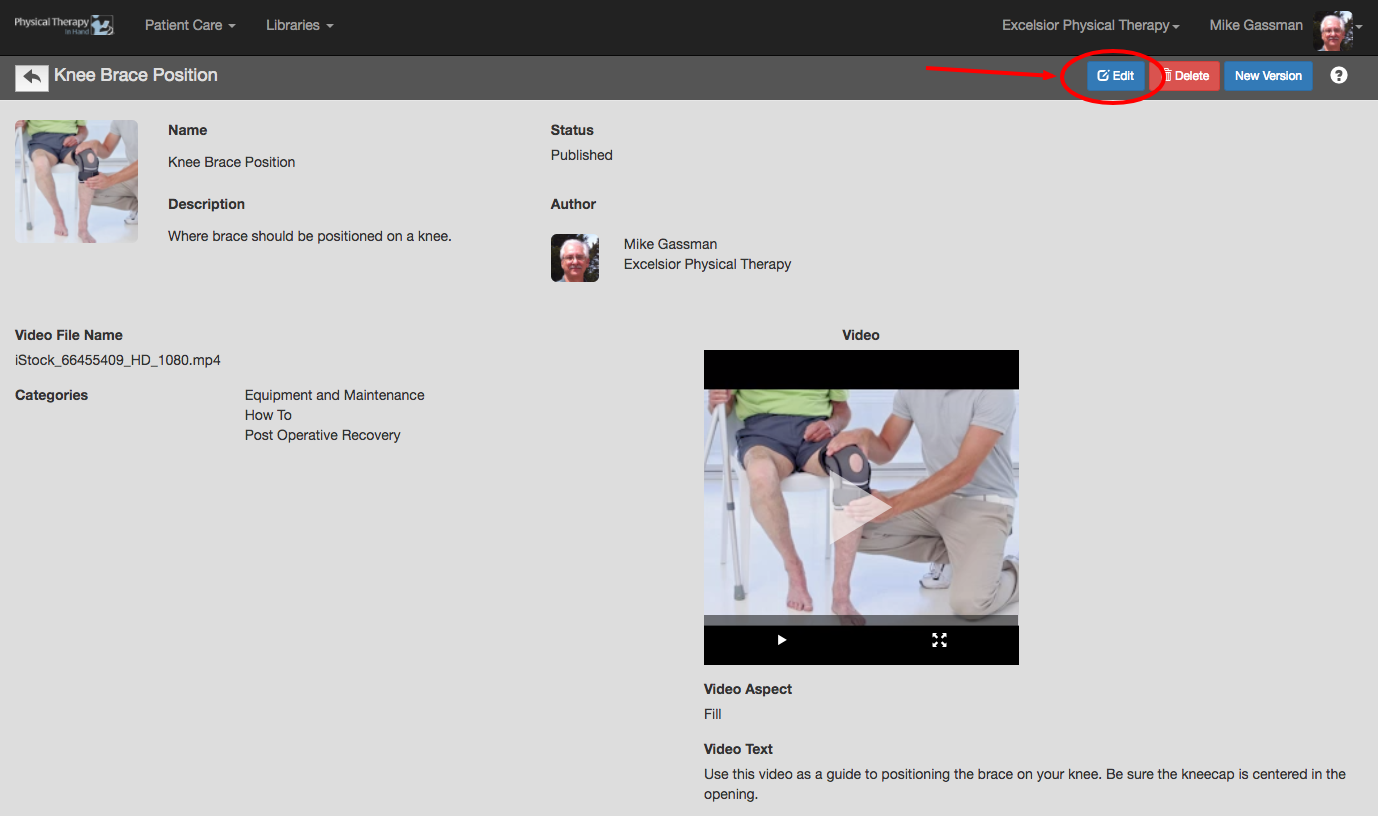
- If you are the author of a Resource, click the Edit button on the Resource's detail page:
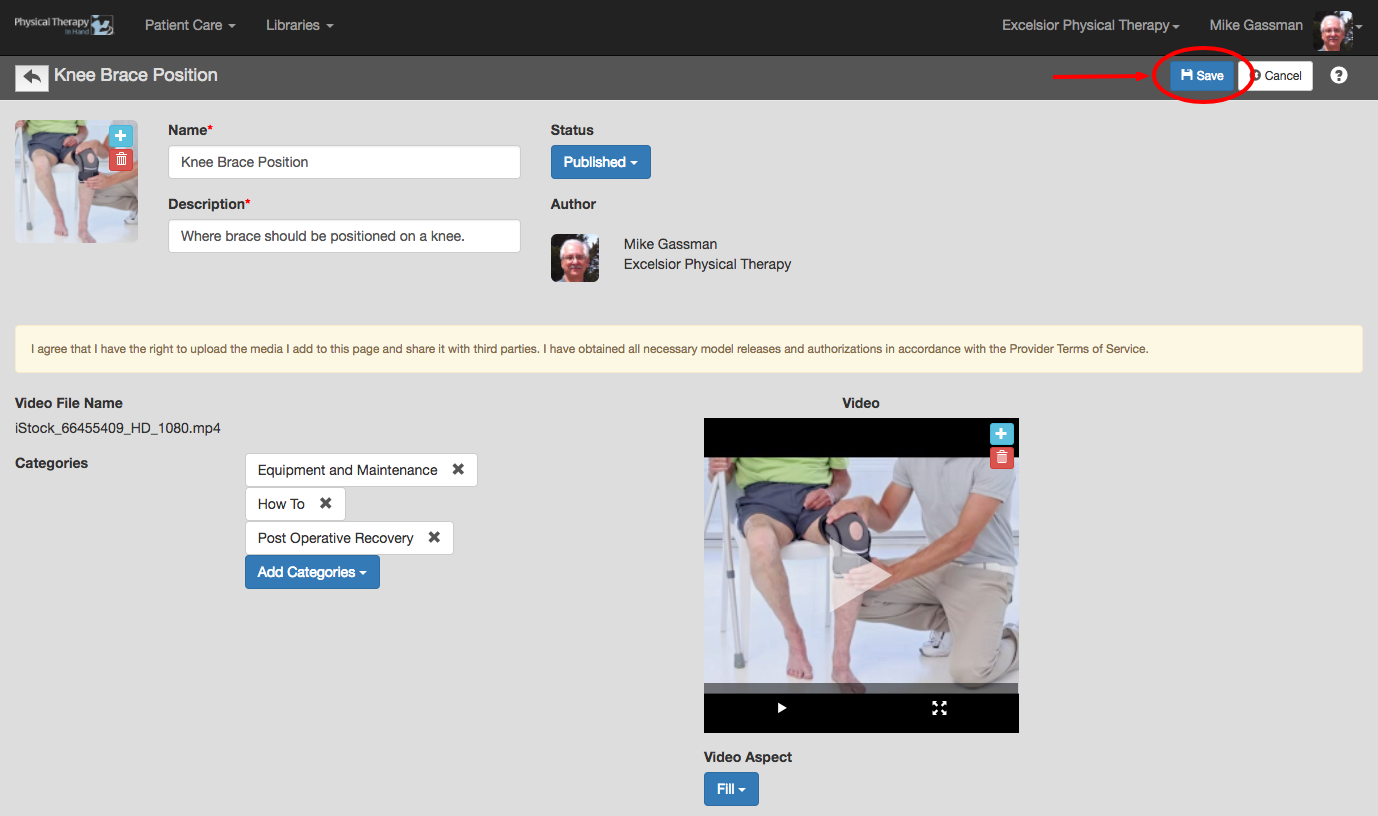
- Make changes and click the Save button:
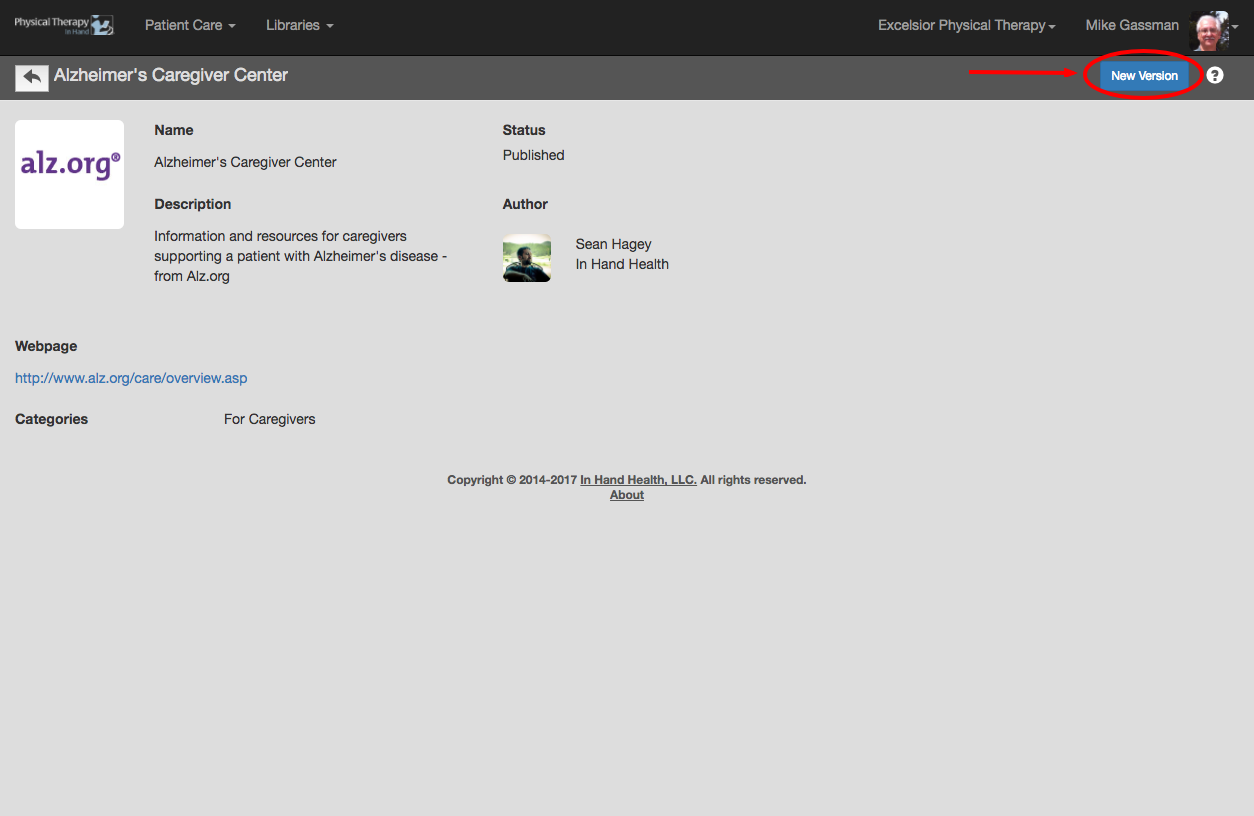
- If you are not the author of a Resource, make changes by clicking or tapping the New Version button on the Resource's detail page:
- The Author will change to your name. Make changes and click Save. The Resource will now be located in your My Saved section of the Resources library if saved as a Draft or it will be in the My Saved and My Clinic sections if saved as Published: