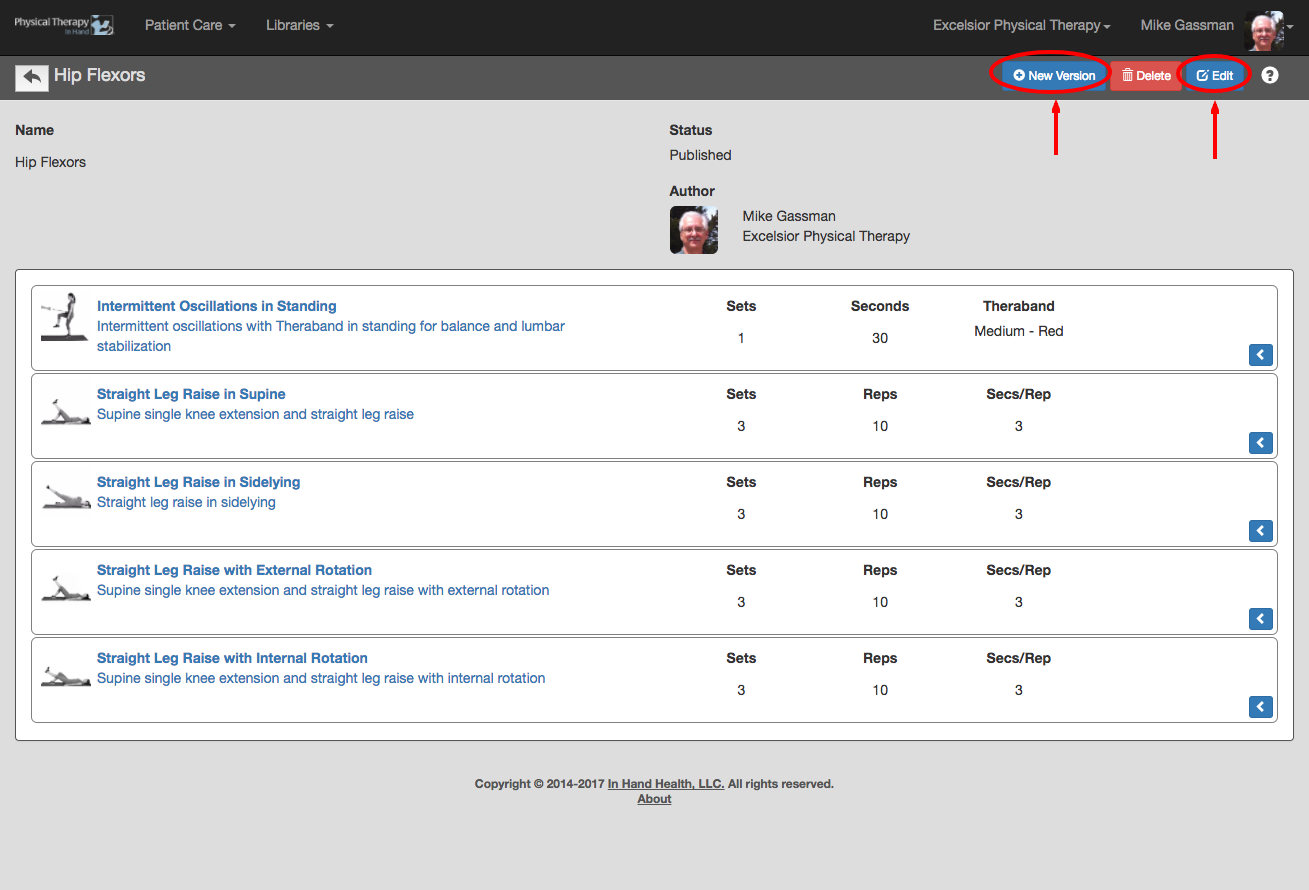
Follow these steps and author guidelines to edit an existing Exercise Template:
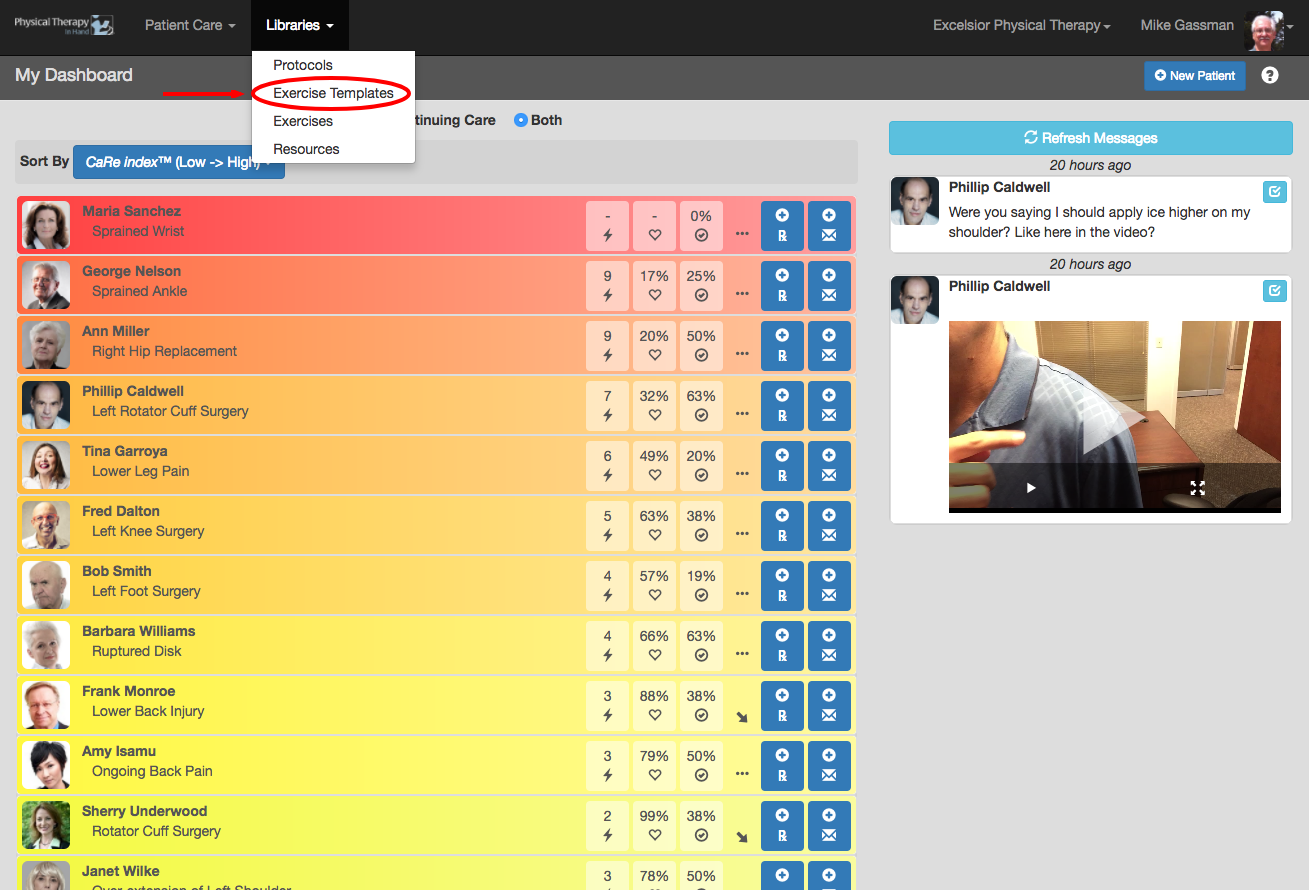
- Select Exercise Templates from the Libraries menu.
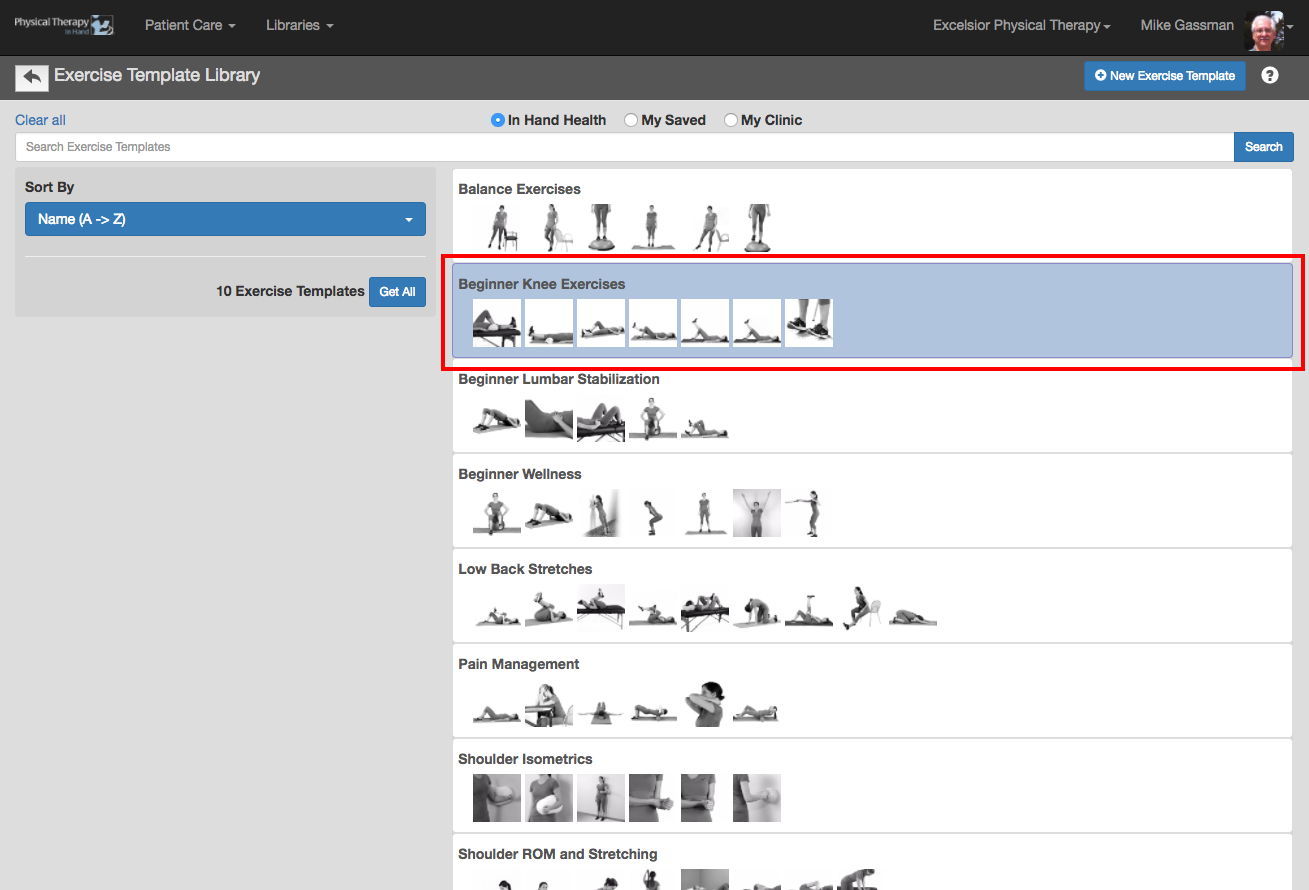
- Choose an Exercise Template by clicking or tapping on one of the Exercise Template capsules.
- Click the blue Edit button to make changes to the Exercise Template.
- If you are not the author of the template, click the New Version button, edit the template, and Save your updates into your My Saved templates.
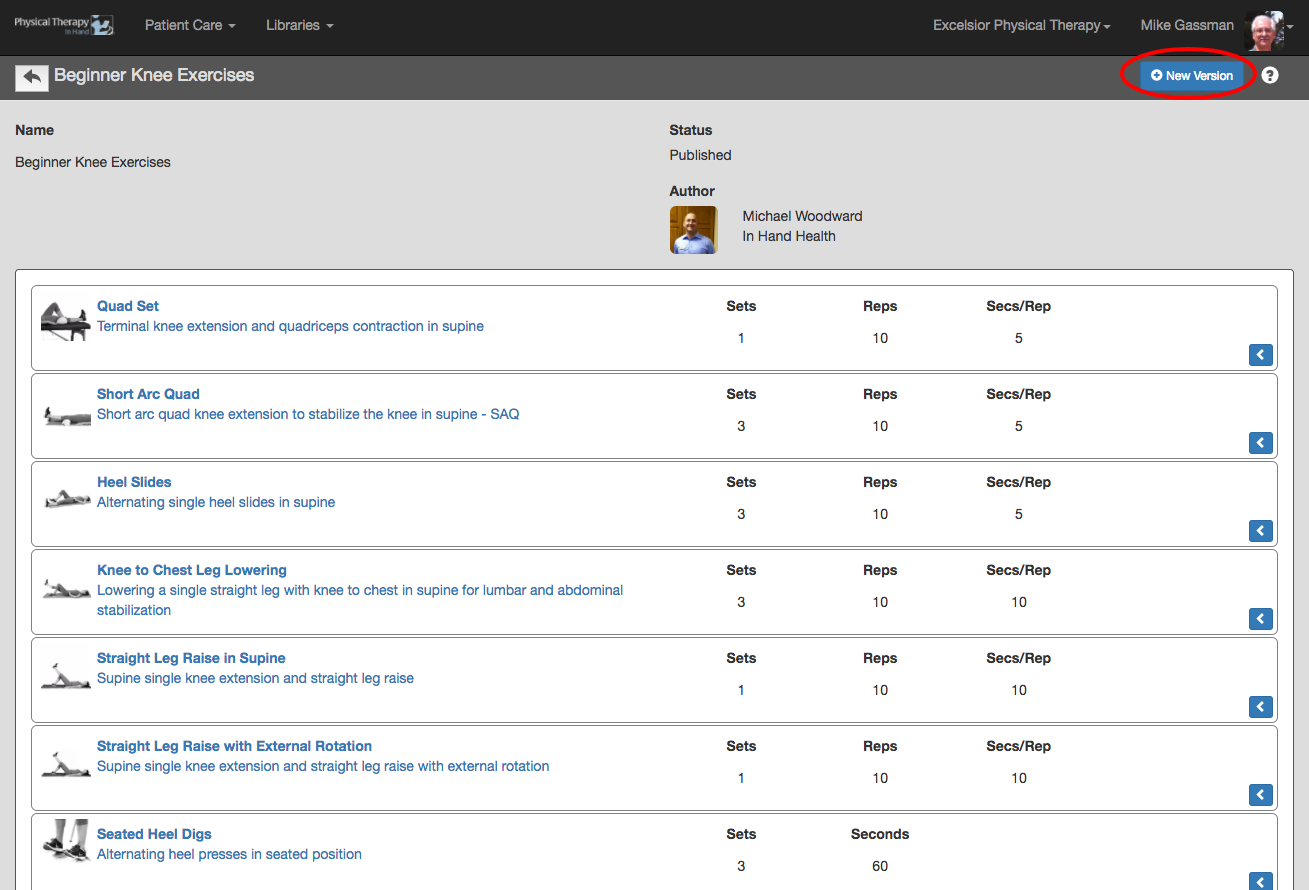
- You can edit and save changes to any Exercise Template directly when you are its author.