
PTIH incorporates data security measures and is built to be compliant with HIPAA standards. However, In Hand Health strongly recommends every user sign out of the application at the end of his or her session as an added precaution against unauthorized access to a PTIH account. Use the following steps:
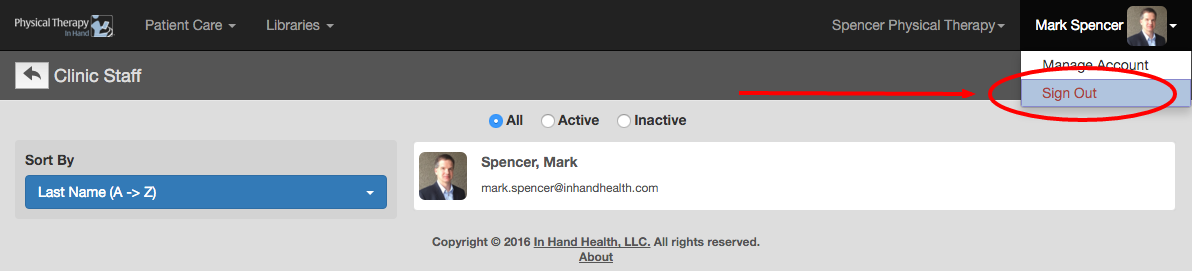
- During an active session, your name will appear in the upper right corner.
- Click or tap your name one time and then click or tap Sign Out.
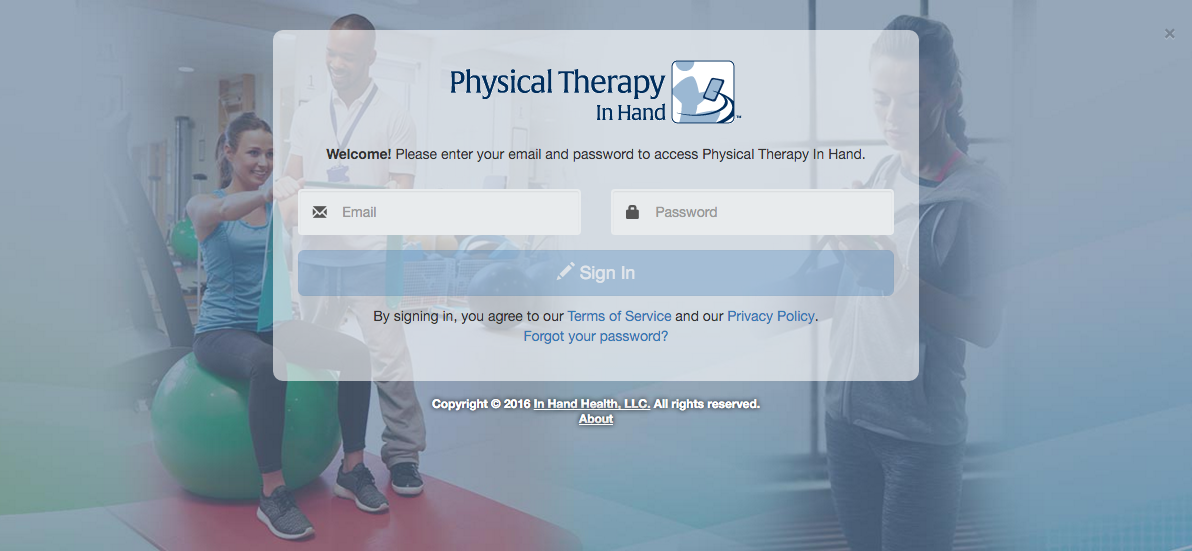
- Your user session ends and you will be redirected to the Sign In page.
Note: User sessions with no activity for a prolonged period will be automatically signed out by the application and force the user to sign in again when they return.