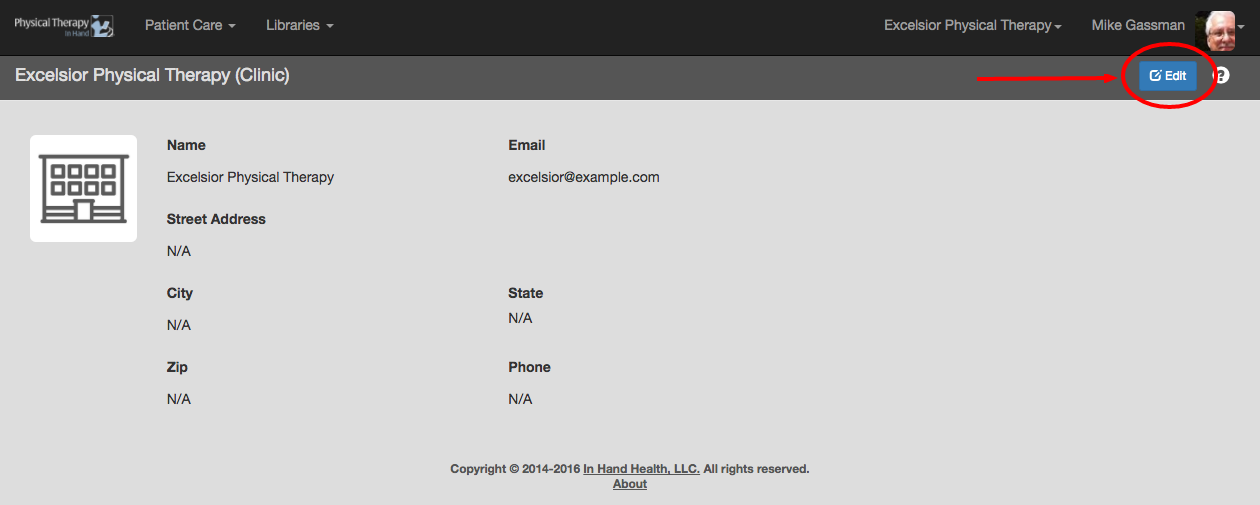
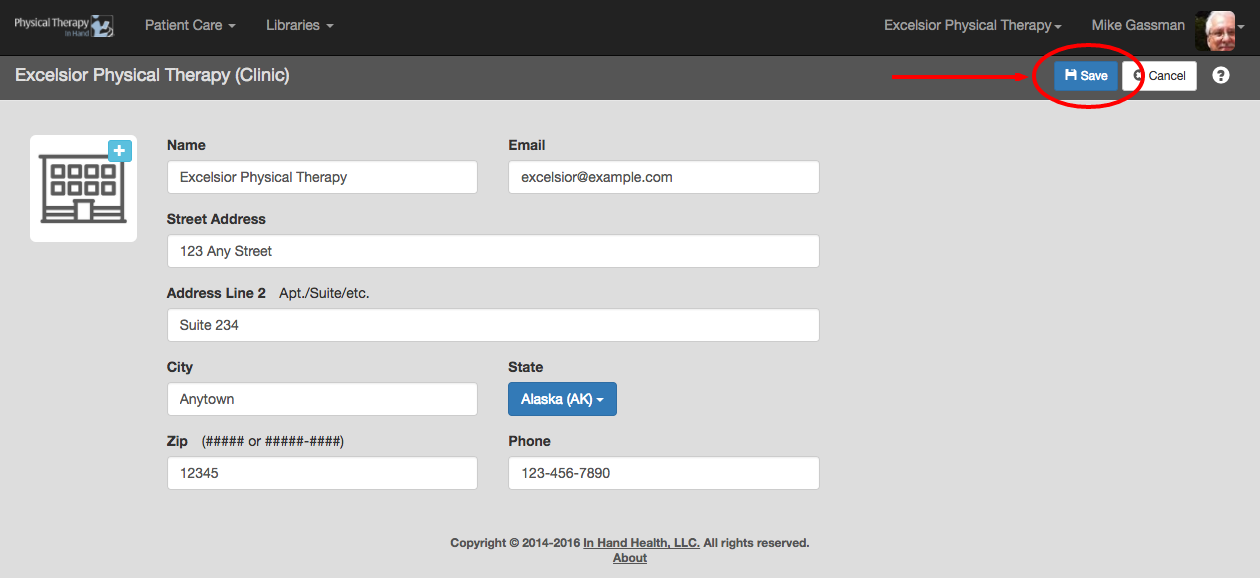
Your PT practice’s address and contact information may appear on correspondence or printed exercises that PTIH produces for patients. It also needs to be current to accept Continuing Care subscription revenue. This information was collected when you set up your clinic. If you need to update it, follow the following steps listed here.
Note: A user must have Clinic Administrator role privileges to perform these actions.
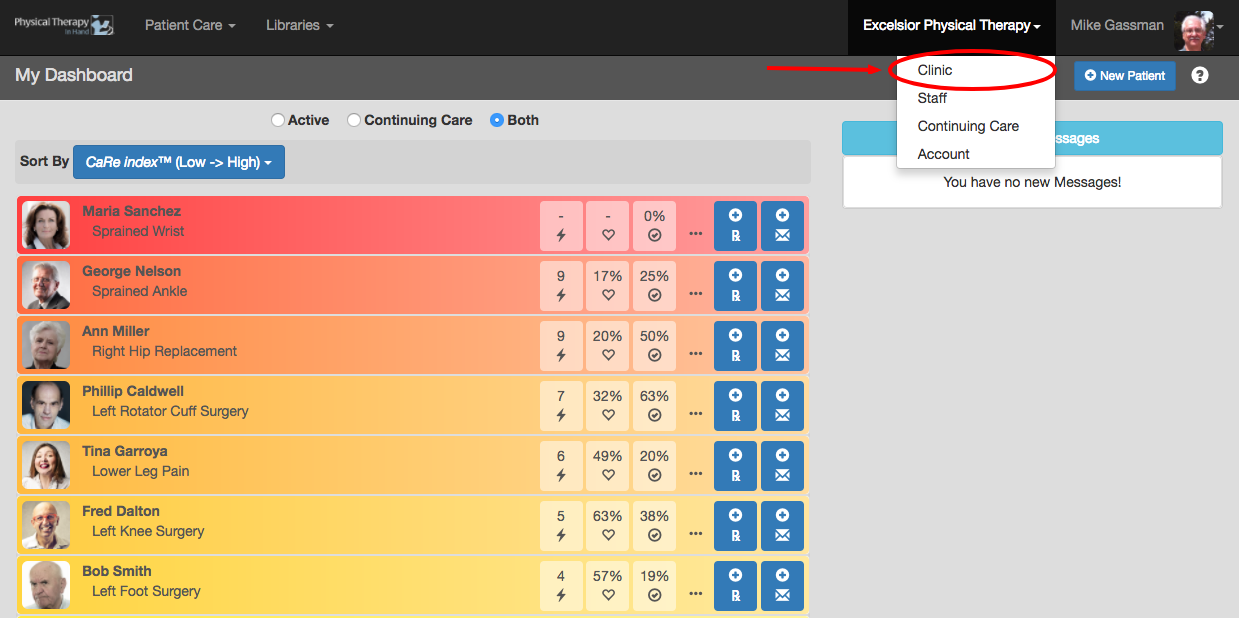
- Your clinic’s name will appear at the top of the PTIH screen.
- Click or tap the clinic’s name one time and then click or tap Clinic.
- Click the Edit button to enter or edit your clinic’s name and address information.
- You can also enter or edit a general delivery contact email address (e.g. info@yourclinic.com) if your clinic has one in place.
- Click the Save button to commit your changes.