You can add a logo or profile picture (your building, staff photo, etc.) to personalize your clinic account following these steps:
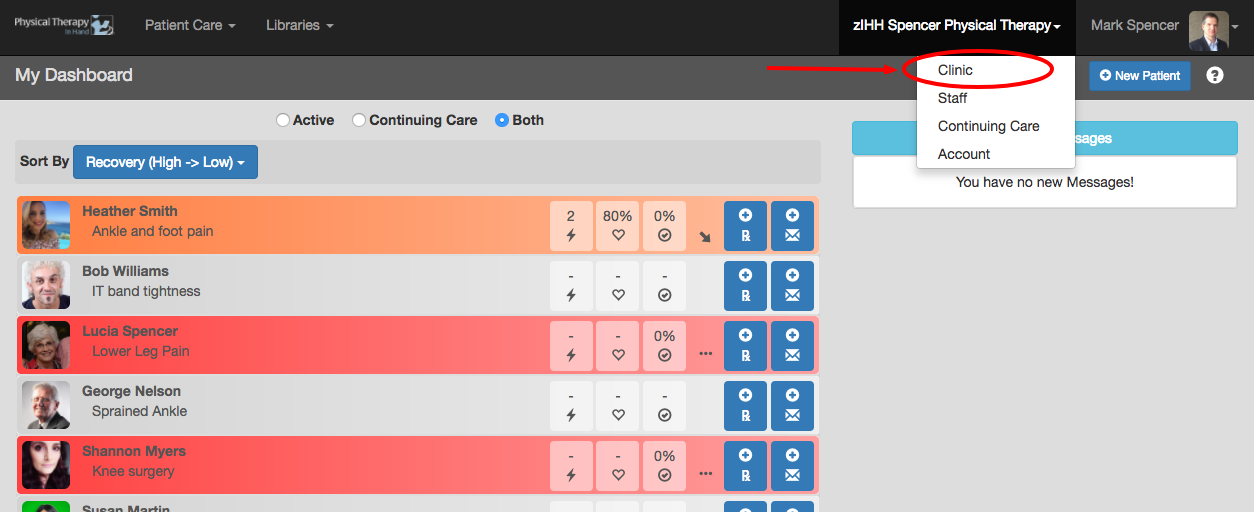
- Click or tap your clinic's name in the top menu bar.
- Click or tap the Clinic menu option.
- To add or update a clinic profile picture (or logo), click the Edit button.
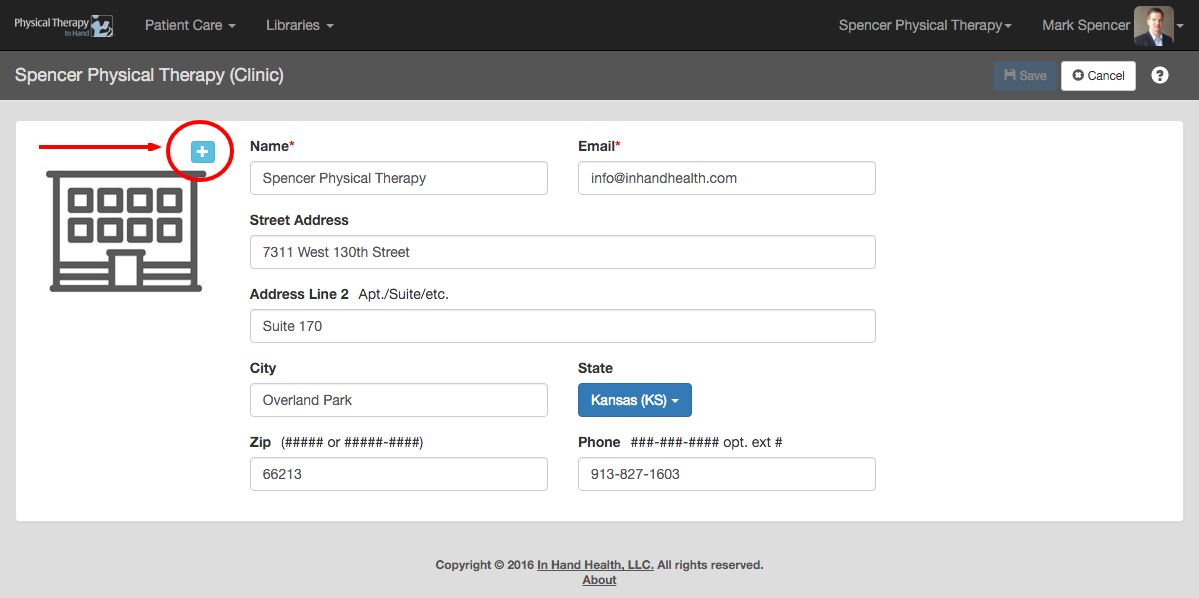
- Click the plus (+) symbol next to the default clinic icon image.
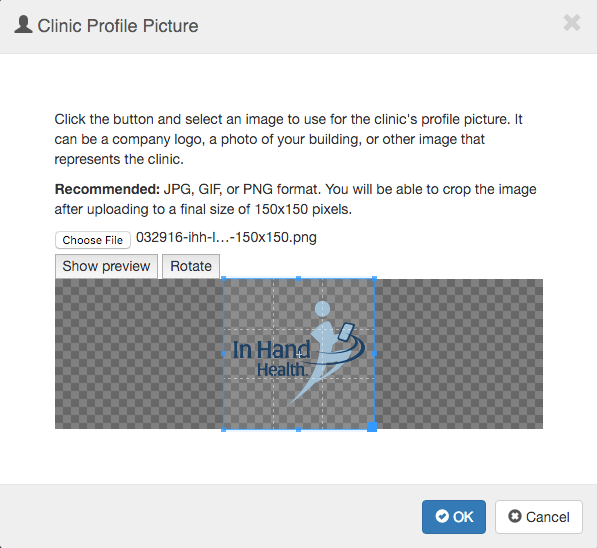
- Follow the directions in the “Clinic Profile Picture” dialog box to upload and crop your new clinic profile picture or logo.
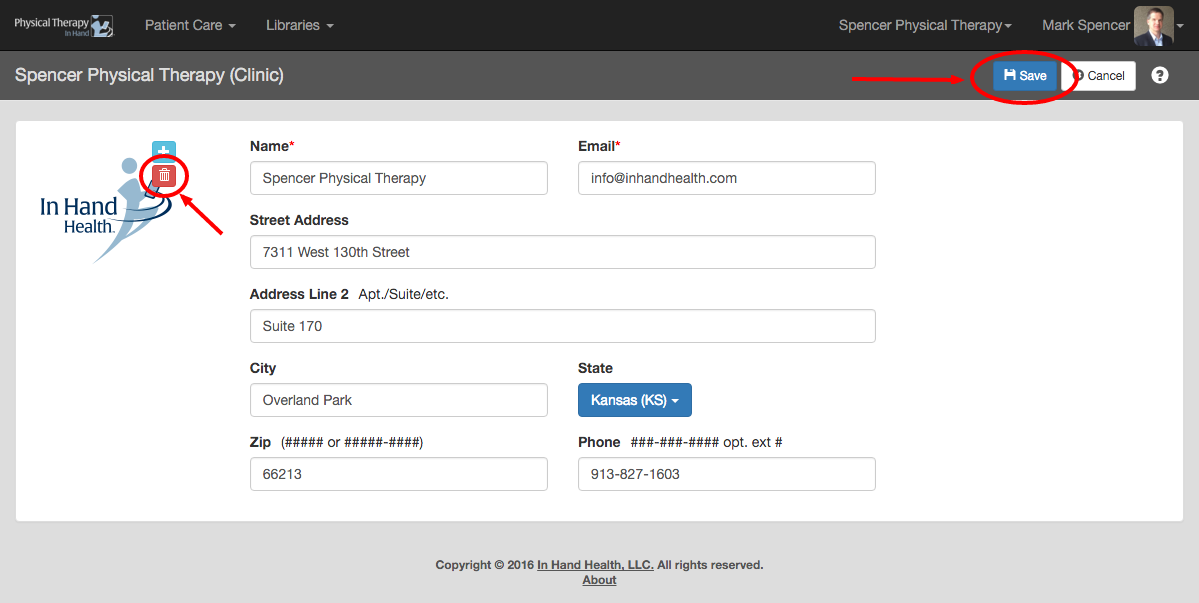
- Click the Save button to commit your changes or click the red trash can icon to start over.