Glance: Edit Patient Information and Episode(s) of Care
In Hand Health Support Team
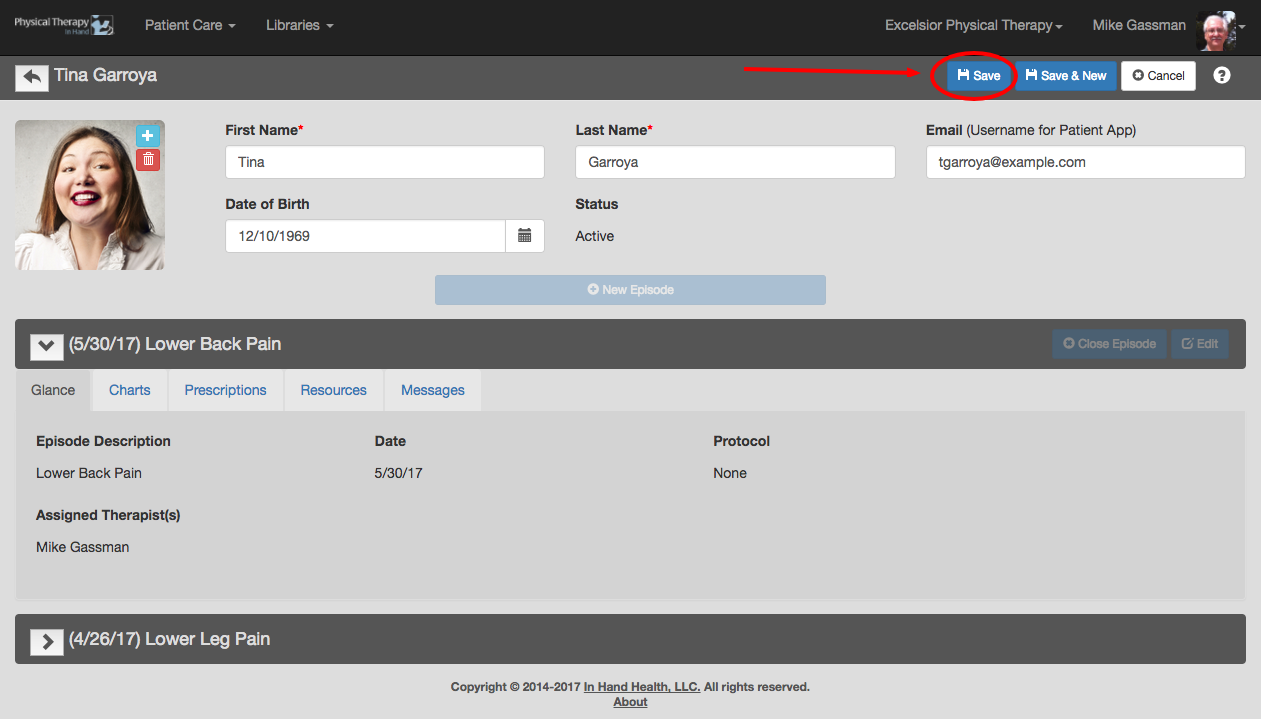
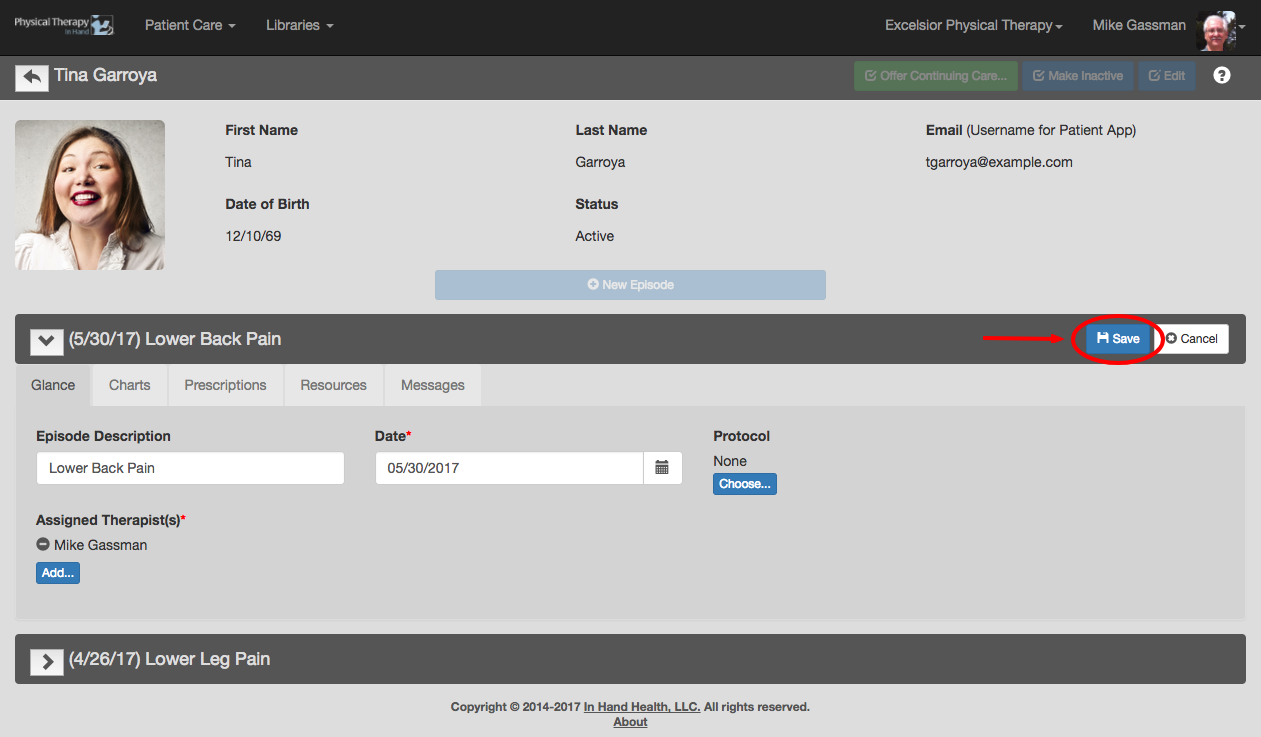
- Click the Edit button in the patient record or episode you need to edit.
- Update information in the editable fields.
- Click the Save button in the affected section to commit your changes.
Have more questions?
Submit a request
