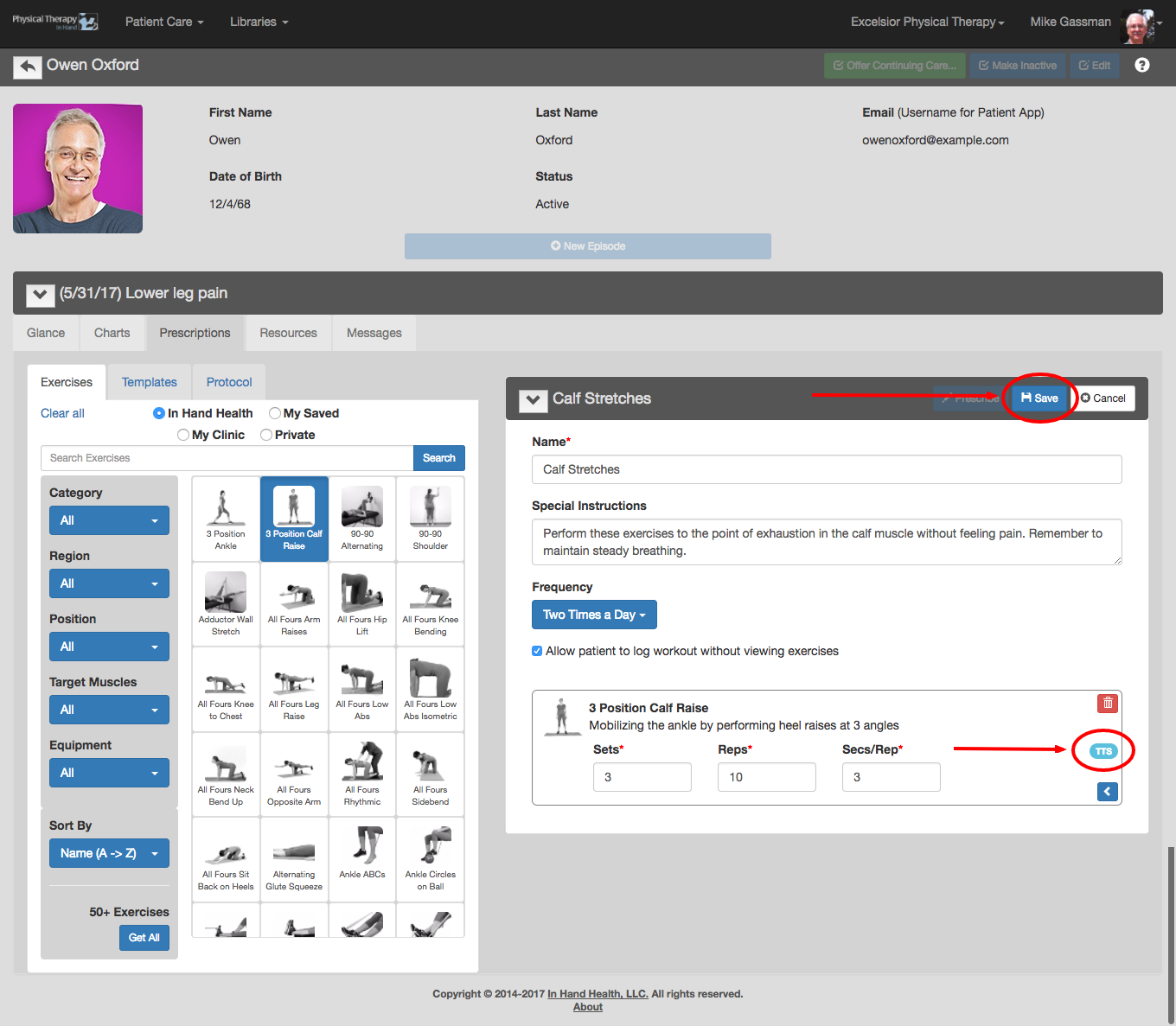
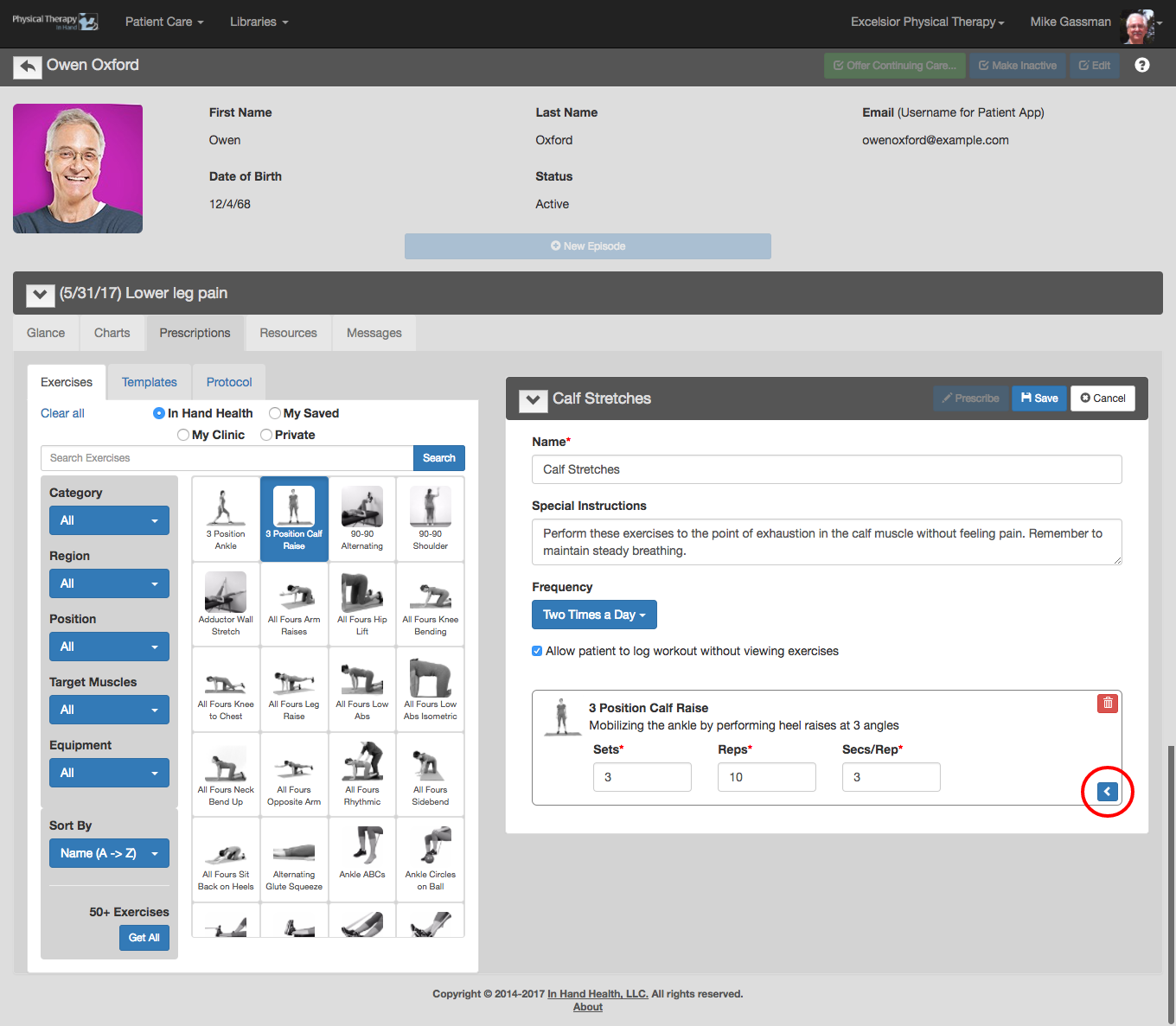
You can further edit exercises on the Prescription template beyond the default values by clicking the blue arrow button.
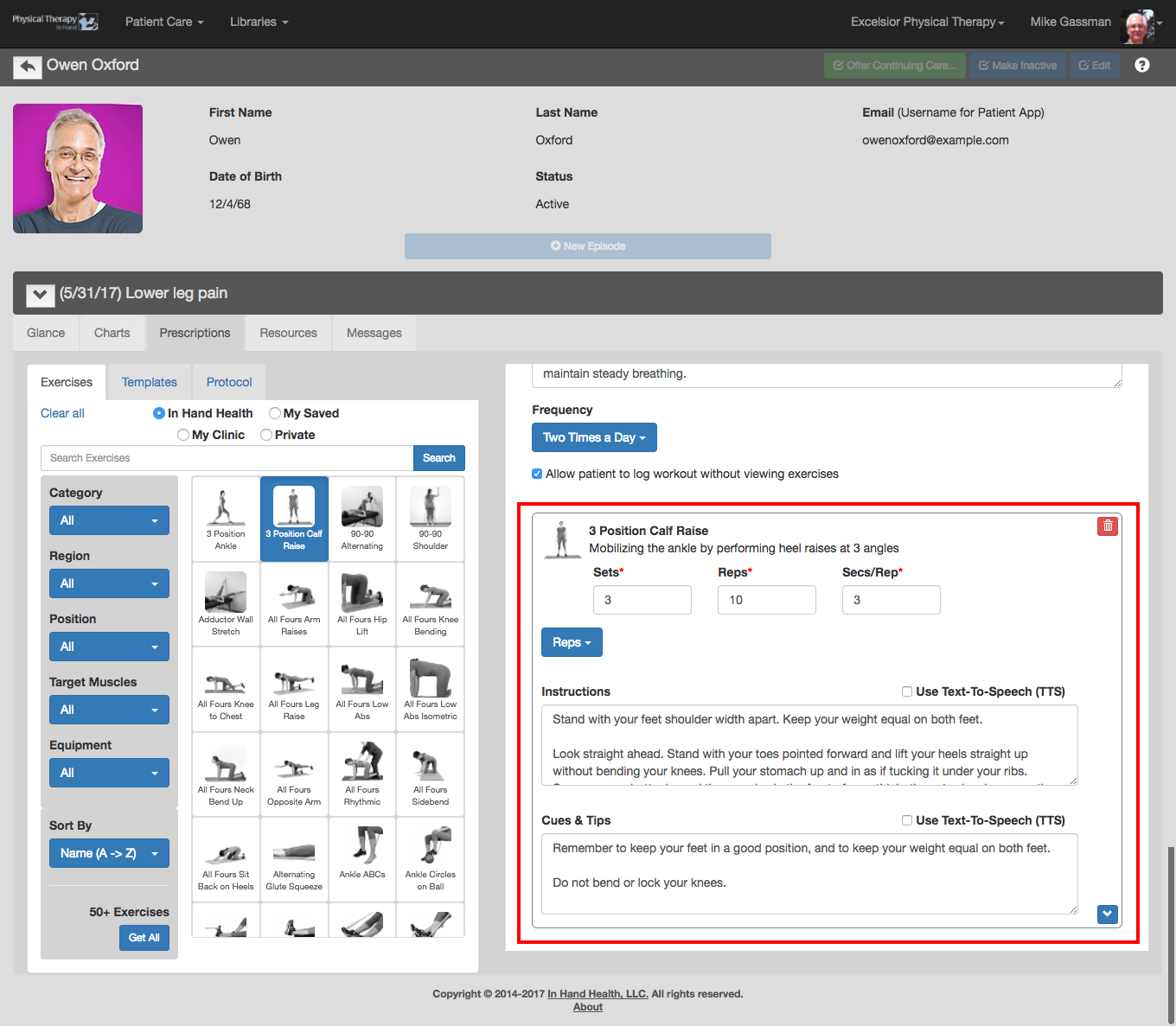
- Duration or Reps: Toggle the blue dropdown box between Duration and Reps. Duration enables you to set custom Sets and the length of time for the exercise. Reps enables you to set custom Sets, Reps, and Seconds per Rep.
- Instructions: Unless they have been modified, each video supplied in the In Hand Health library includes narration from a physical therapist that closely follows the instructions presented in this box. In addition, patients can read the text version of these instructions in the In Hand Health Patient App during the overview and performance videos. Edit the instructions as needed. Checking the “Use Text-To-Speech (TTS)” box replaces the audio in the video with Siri on iOS and equivalent on Android phones reading the text in the box.
- Cues & Tips: As with Instructions, each video in the In Hand Health library originally includes narration from a physical therapist during the exercise video that closely follows the cues and tips text presented in this box. In addition, patients can read the text version of these instructions in the In Hand Health Patient App. Edit the cues and tips as needed. Checking the “Use Text-To-Speech (TTS)” box replaces the audio in the video with Siri on iOS and equivalent on Android phones reading the text in the box.
- A blue TTS icon appears on collapsed exercises when Text-To-Speech has been activated.
- Click the blue Save button to commit your changes.