Use the following instructions and author guidelines to modify existing Protocols:
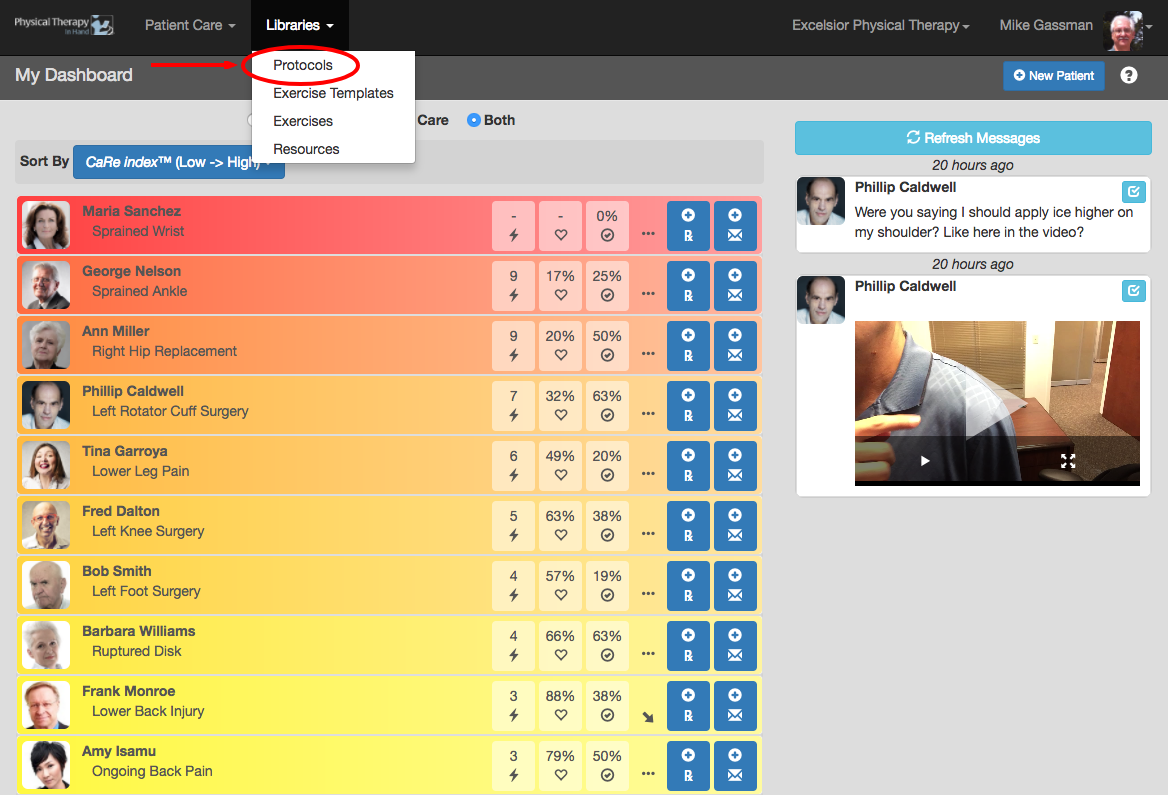
- Select Protocols from the Libraries menu.
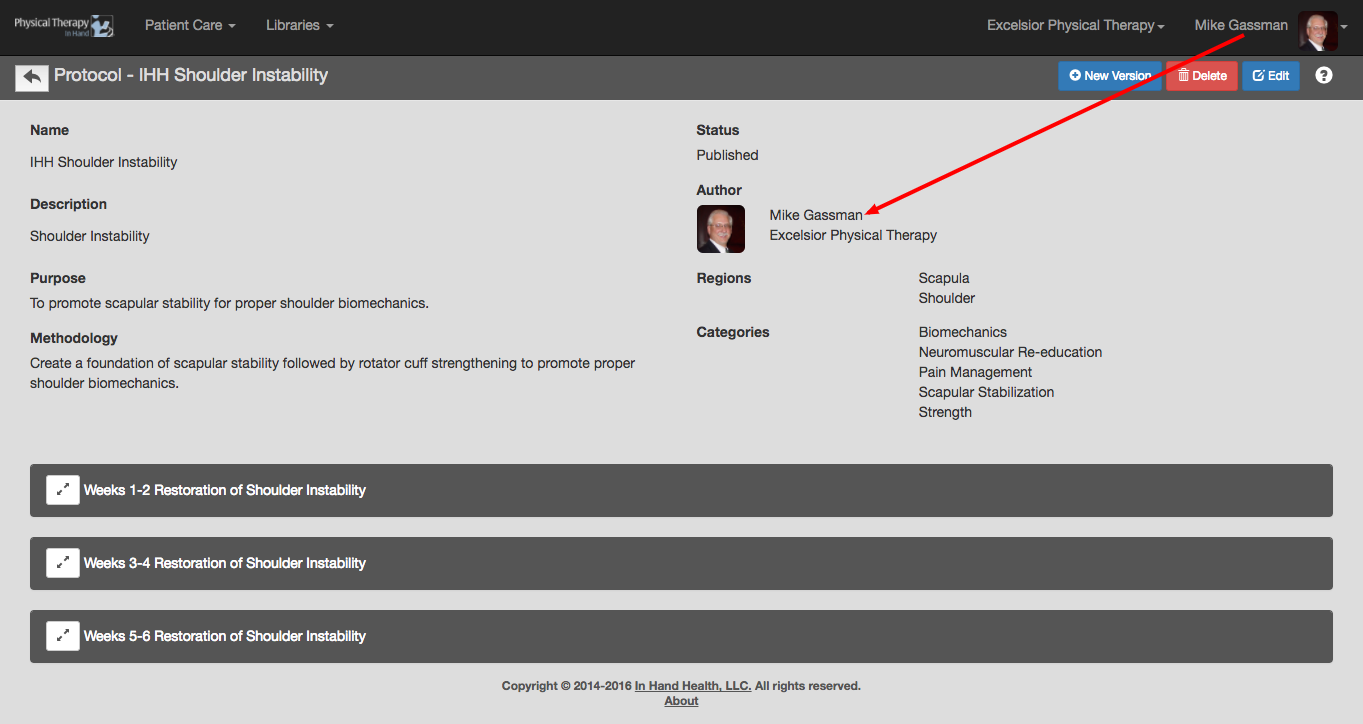
- If you are the author of a protocol, you can edit and save any protocol that has not been prescribed to a patient.
- Open any protocol located in the In Hand Health, My Saved, or My Clinic sections by tapping or clicking its capsule.
- Click the blue Edit button.
- Make any changes desired.
- Click the blue Save button to commit your changes.
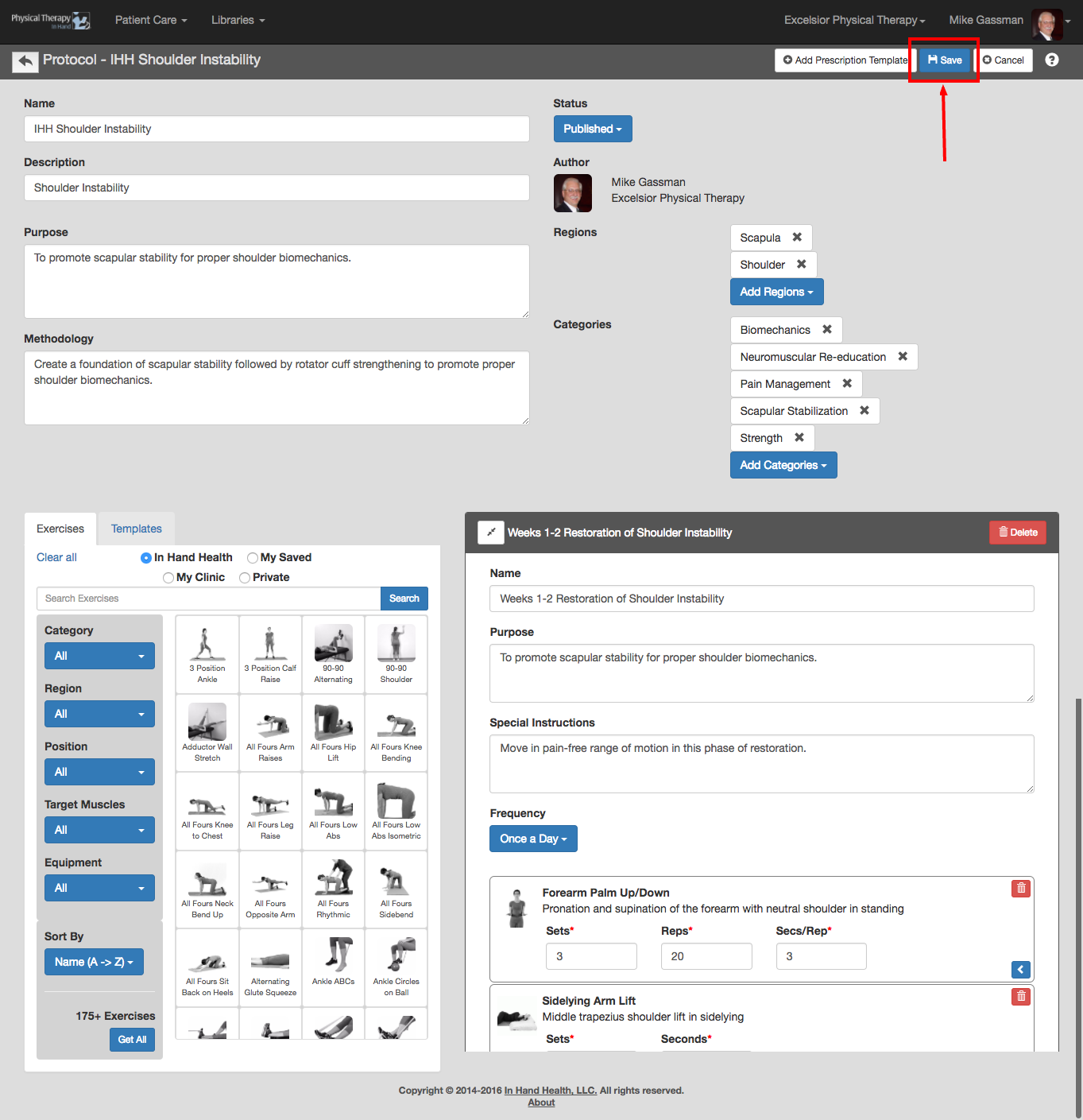
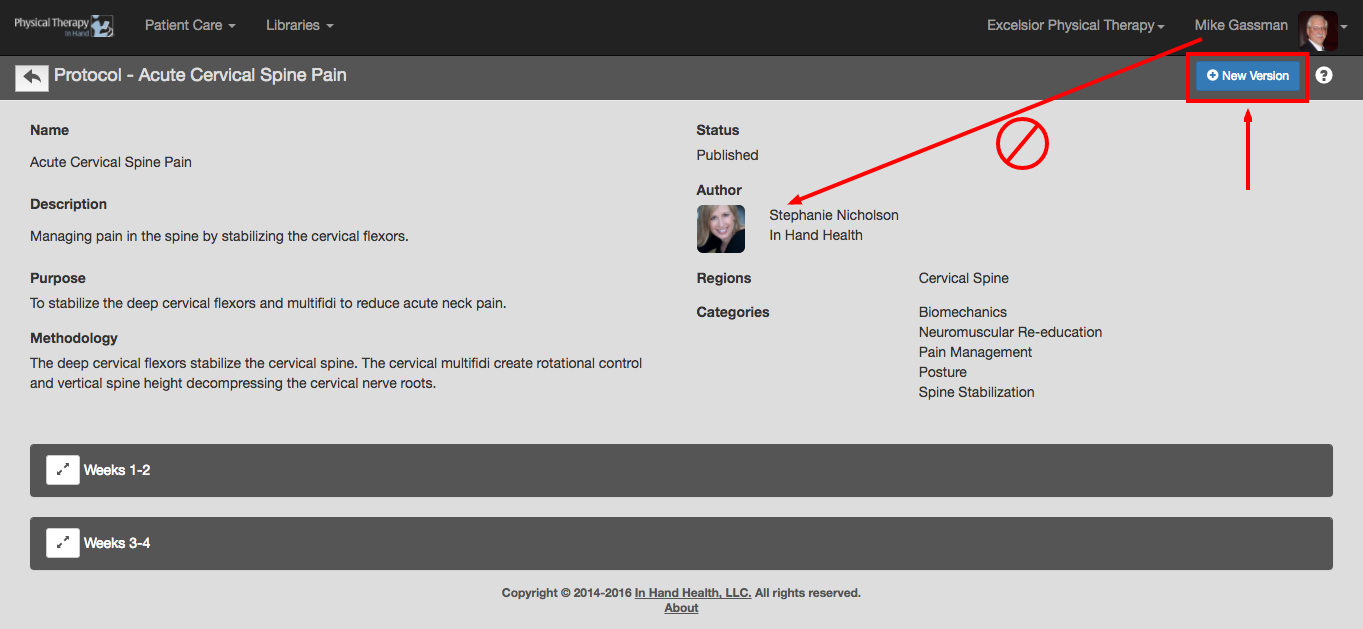
- If you are not the author of a protocol or a protocol has already been prescribed to a patient, you can modify and save a New Version with these steps:
- Open any protocol located in the In Hand Health, My Saved, or My Clinic sections by tapping or clicking its capsule.
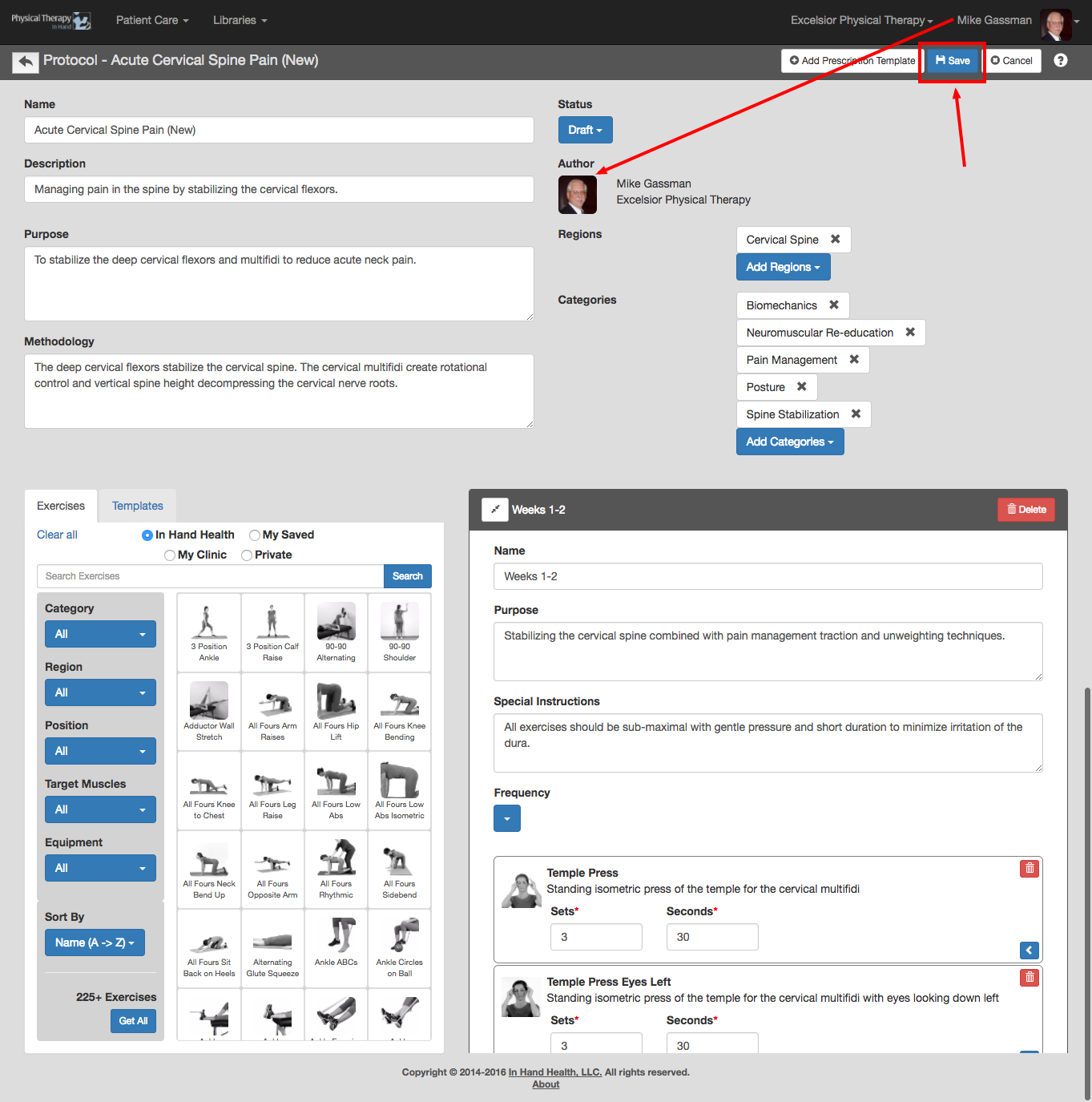
- Click or tap the New Version button to place the protocol in Edit mode. Make any changes desired.
- Set the Status to Draft and click or tap Save to save the modified version to your Libraries | Protocols | My Saved section and have if available for additional edits.
- Set the Status to Published and click or tap Save to save the modified version to the Libraries | Protocols | My Saved and Libraries | Protocols | My Clinic sections and make it ready to be prescribed.
- You will become the author of the New Version.