You can change your PTIH password at any time by following these steps.
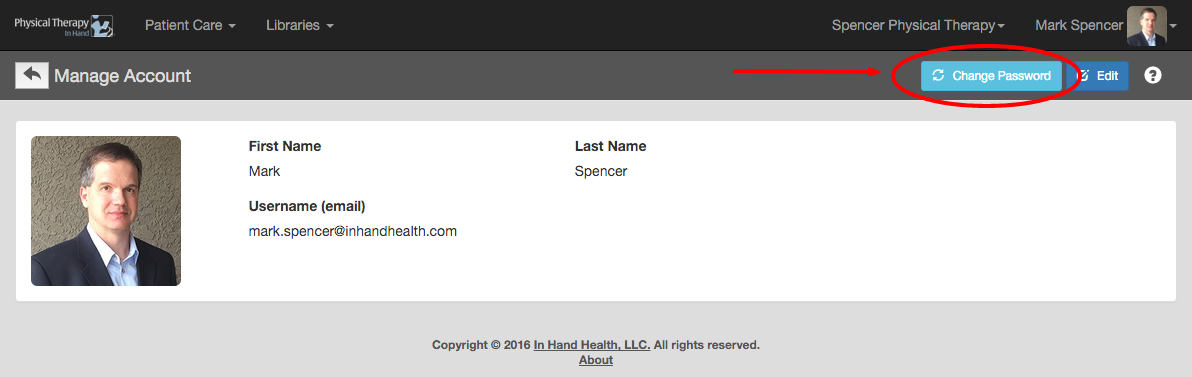
- To set a new password, sign into the application and click the Change Password button.
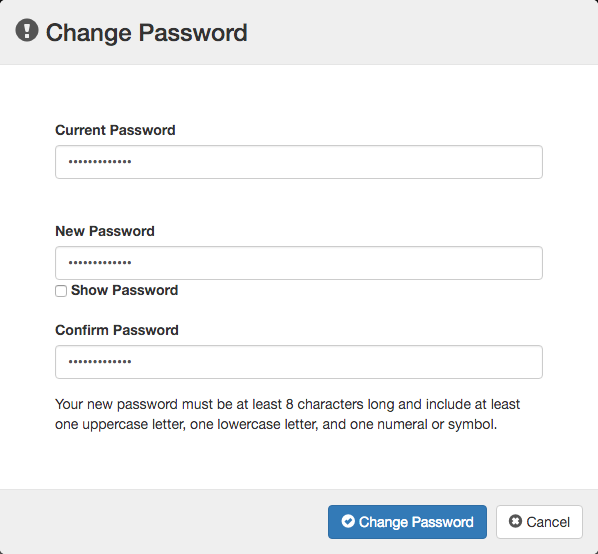
- Complete the fields in the Change Password dialog box.
- Click the Change Password to save your changes.