
If you have forgotten your PTIH password, you can recover it and sign in with the following steps:
- Open a web browser.
- Visit the following URL: https://clinic.inhandhealth.com
- You can also go to www.inhandhealth.com and click on the PT Sign In link in the top menu to access the application.
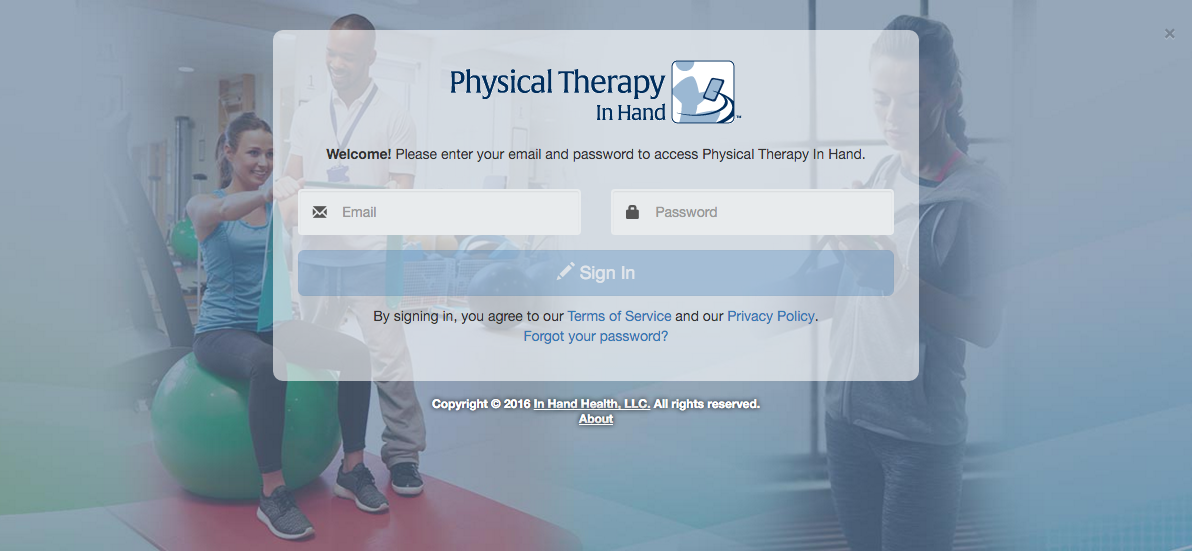
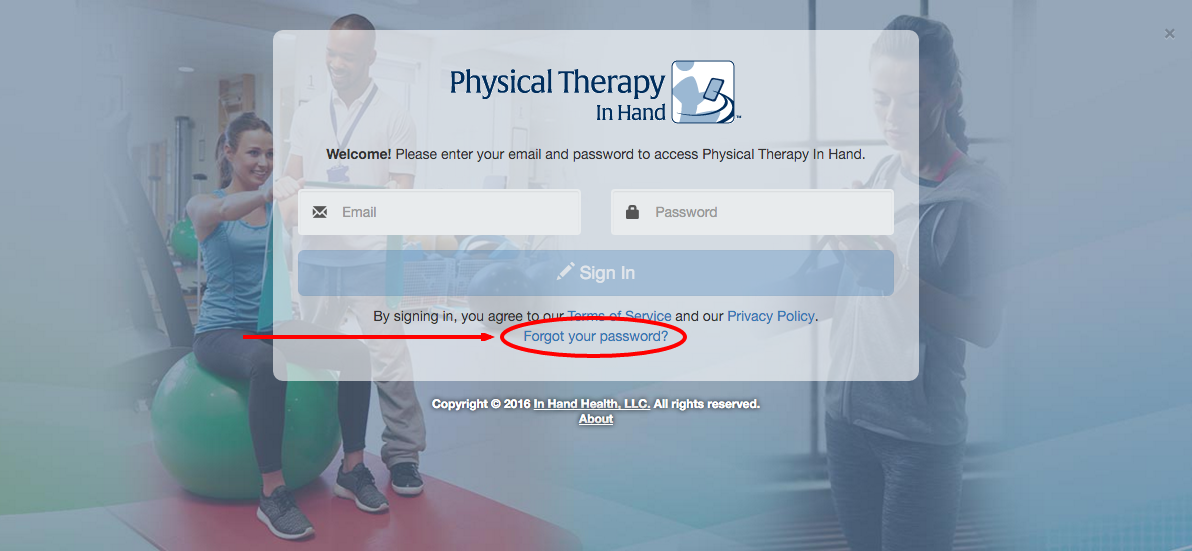
- Click the “Forgot your password?” link at the bottom of the sign in box
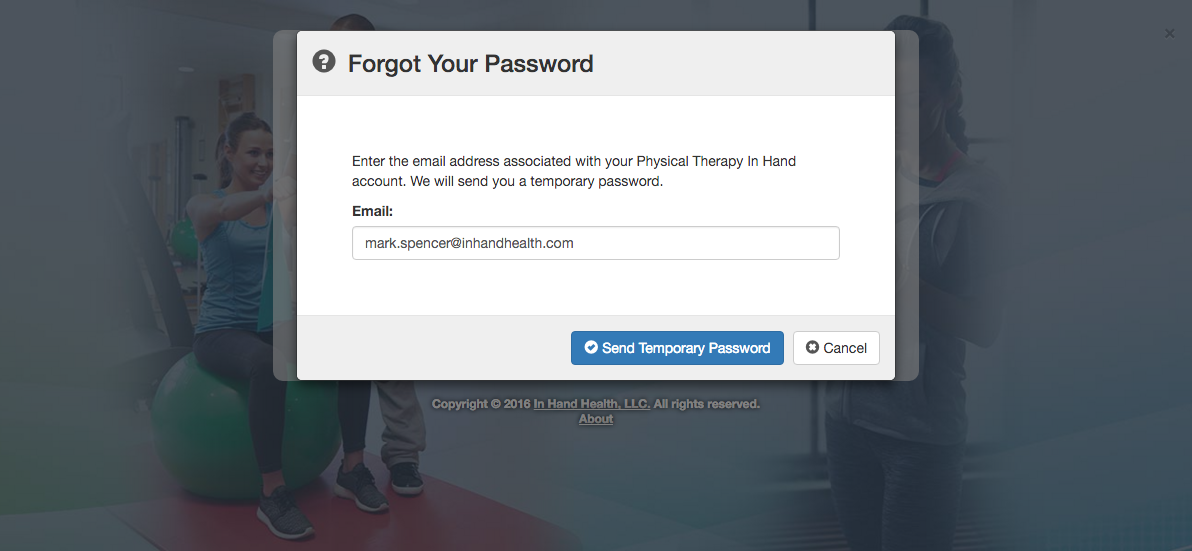
- Enter the email address you used to create your PTIH account.
- Click the Send Temporary Password button.
- Using a desktop, laptop, or tablet (smartphone not recommended for PTIH), check the email account for the address you entered.
- Find the following email and follow the directions to establish a new Password.
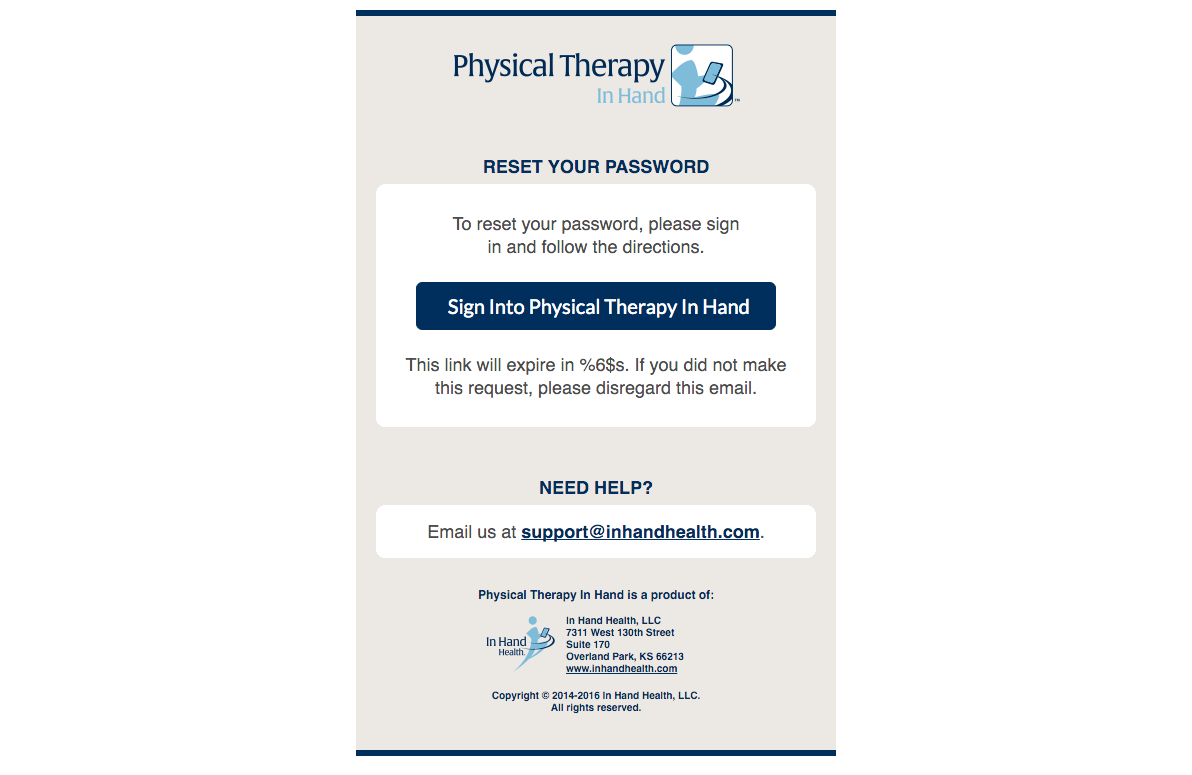
- If the email is not received within a few minutes, check your Junk or Spam folders. If you still cannot locate it, please email In Hand Health at support@inhandhealth.com for assistance.