
- You can reactivate any patient from Inactive status.
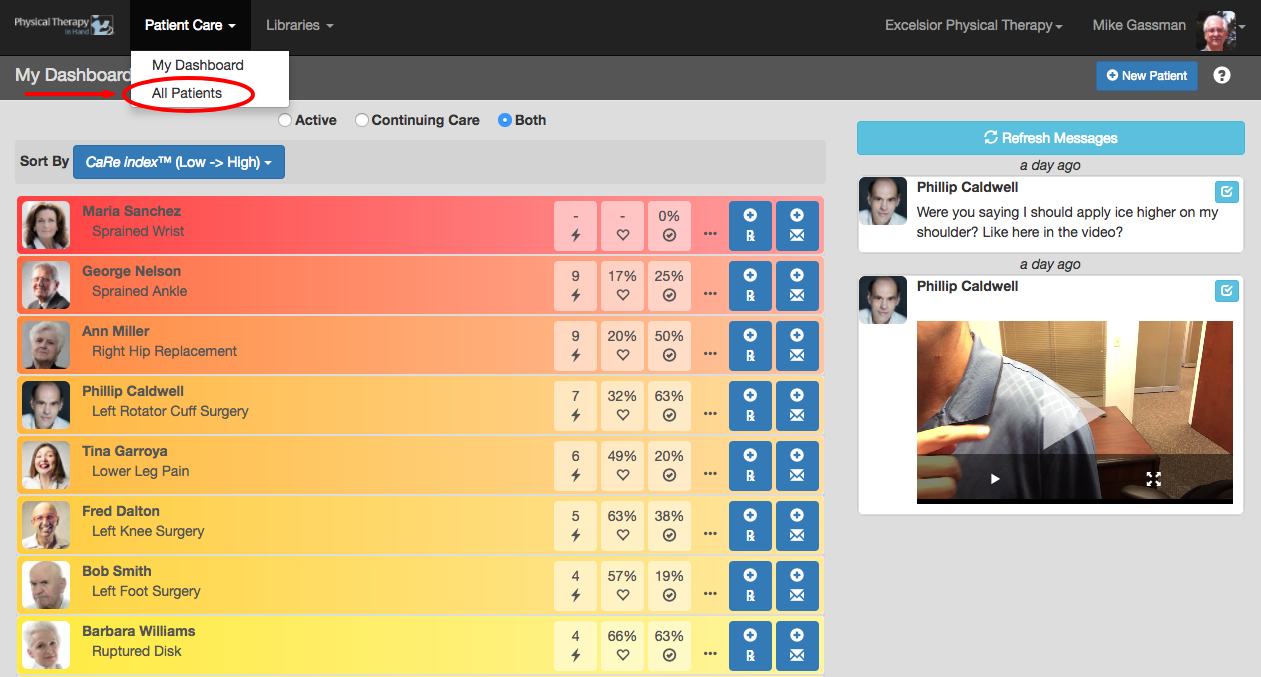
- Click or tap the Patient Care | All Patients listing.
- Select the the Inactive or All radio button to find their record.
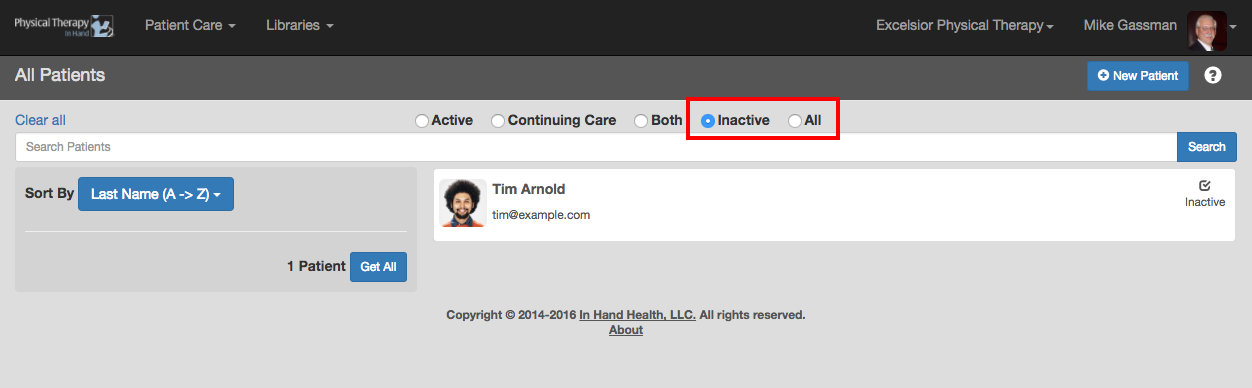
- Tap or click on the record.
- Tap or click on the Make Active button.

- This will return the patient to your dashboard and Active patient listing.