New patients can be added to your PTIH clinic by following these steps. Note: A user must have Patient or Clinic Administrator role privileges to perform these actions.
Method 1
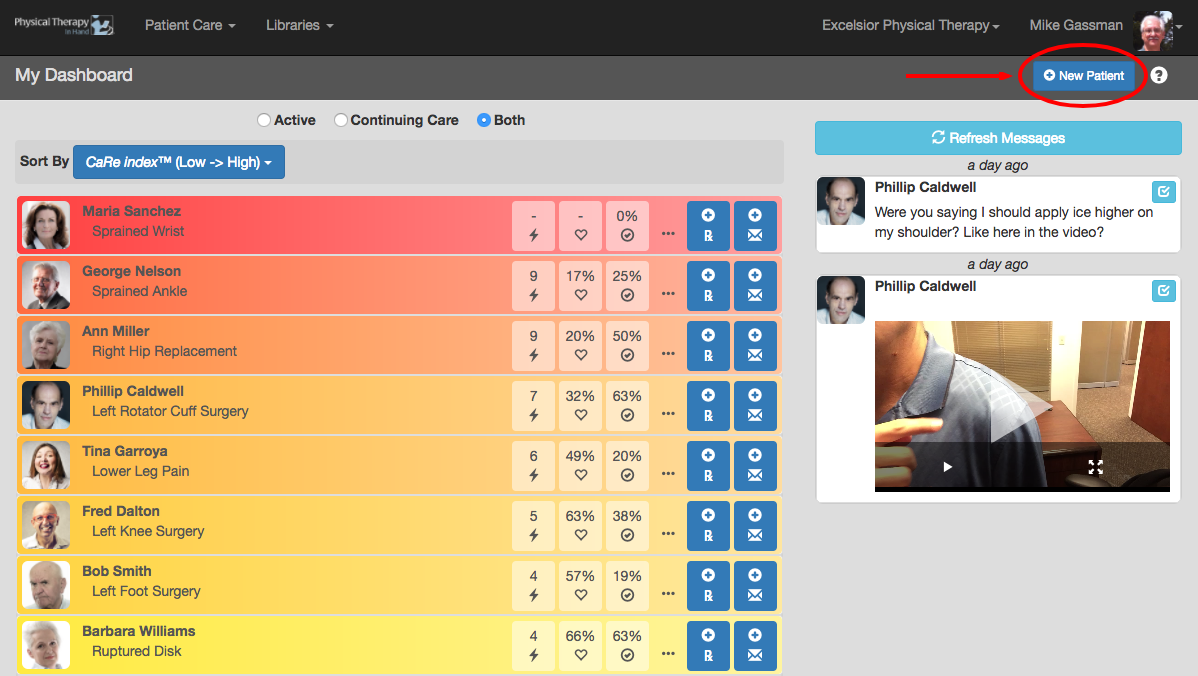
- Click or tap the New Patient button on the Patient Dashboard.
Method 2
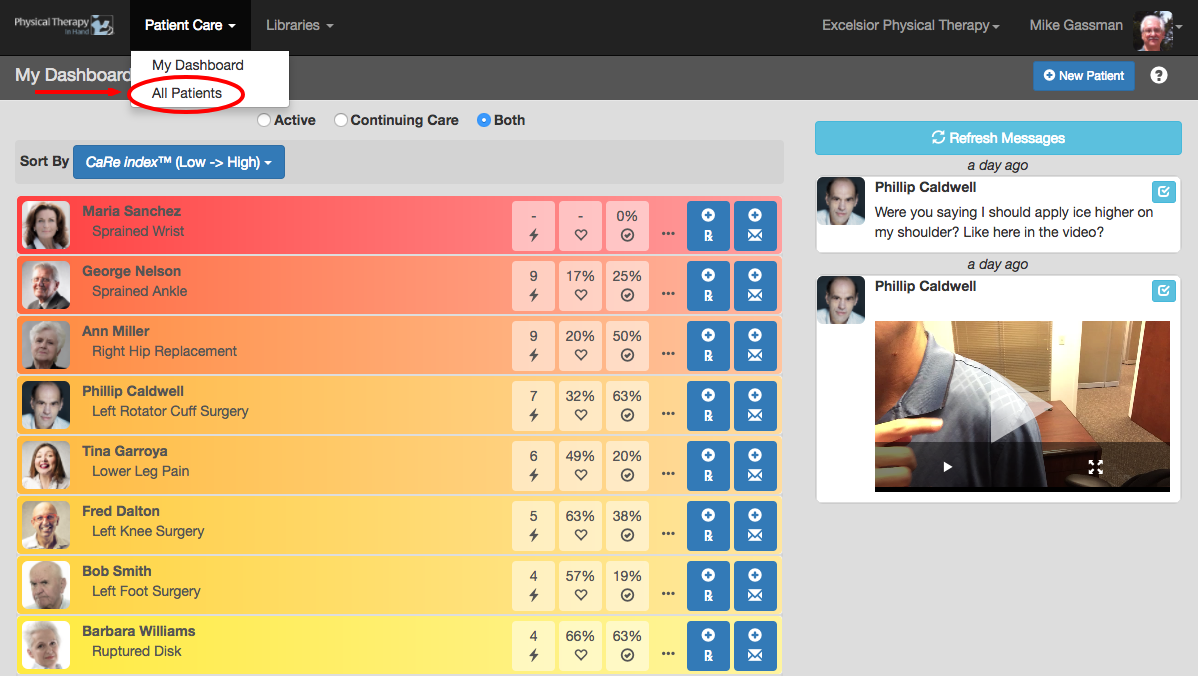
- Click or tap the Patient Care menu.
- Click or tap All Patients.
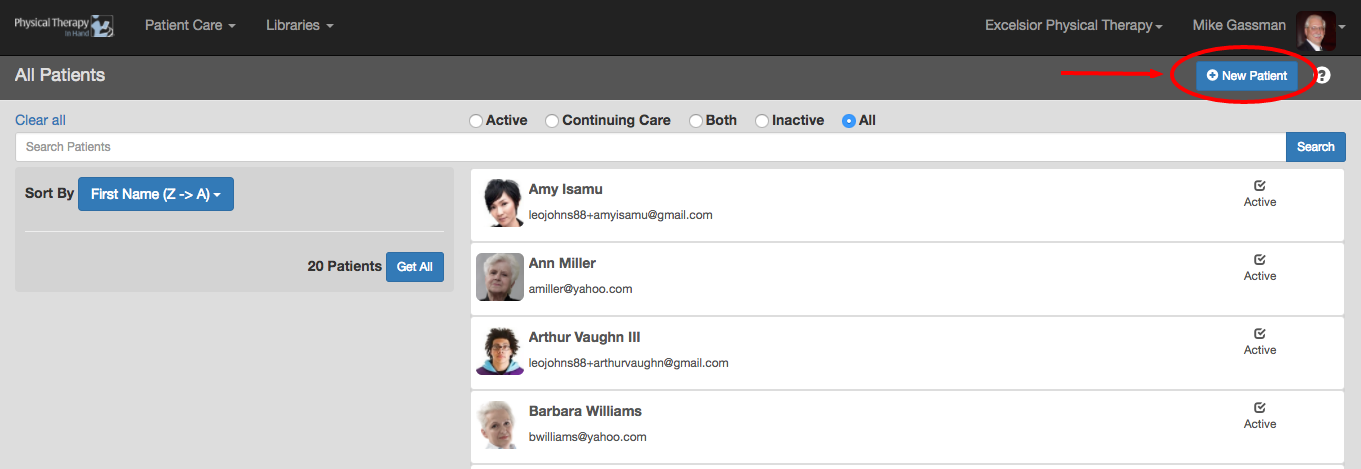
- On the next screen, click or tap the New Patient button.
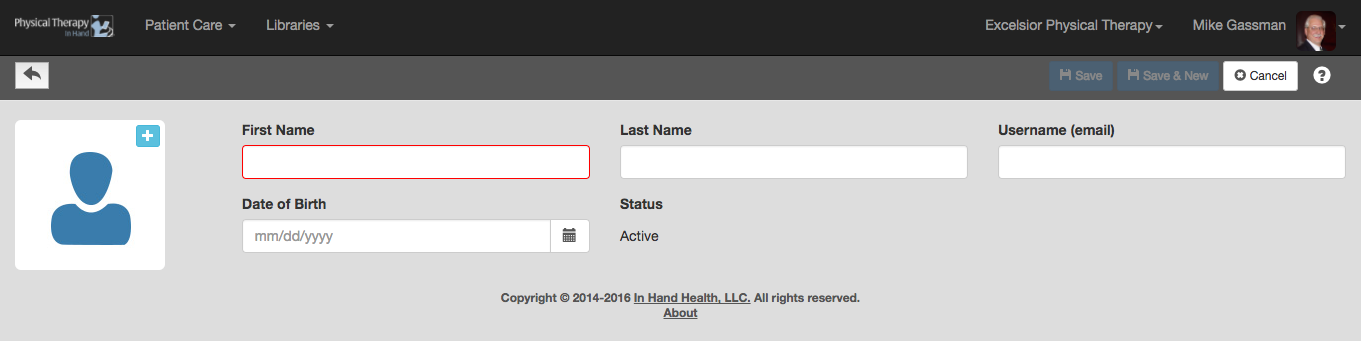
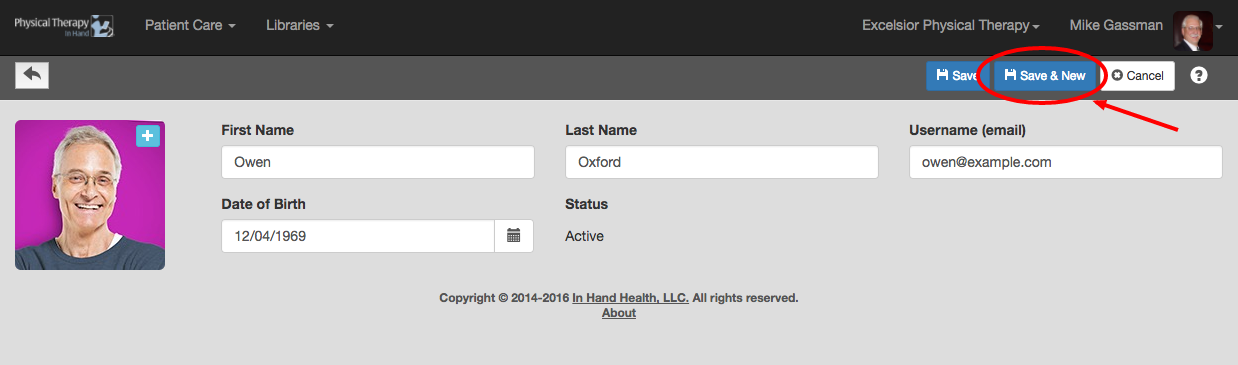
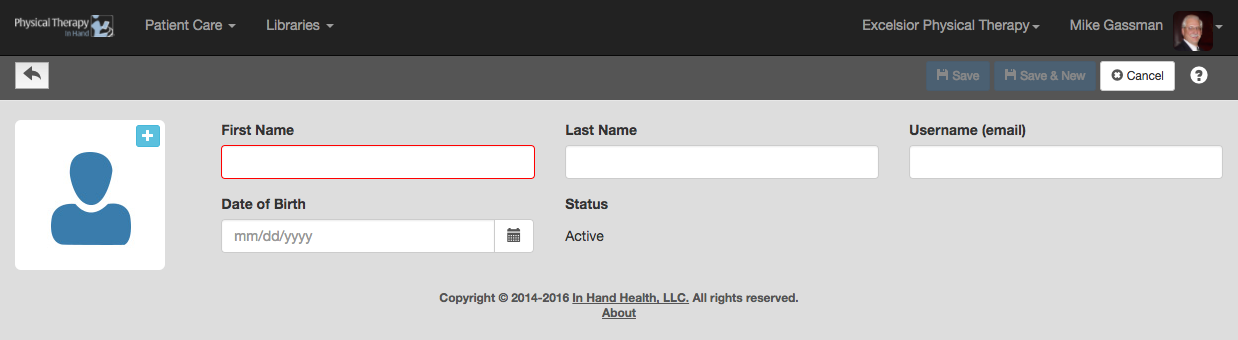
- The First Name, Last Name, and Date of Birth are required before the form can be saved.
- The username (email) field is required for patients using the In Hand Health Patient App with or without a Continuing Care subscription. Leave this field blank for patients who are using printed exercises only. (See Paper Only Patients.)
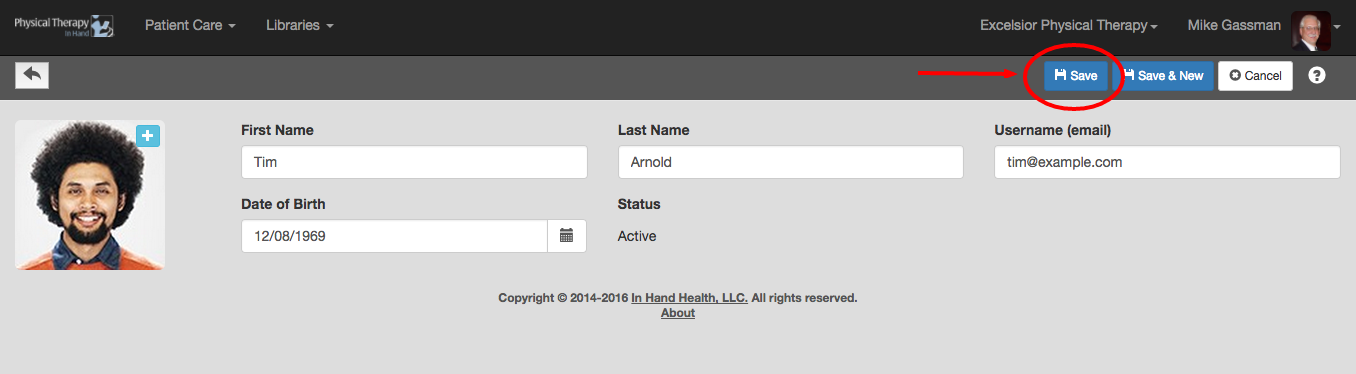
Save
- Click or tap the blue Save button to commit your changes.
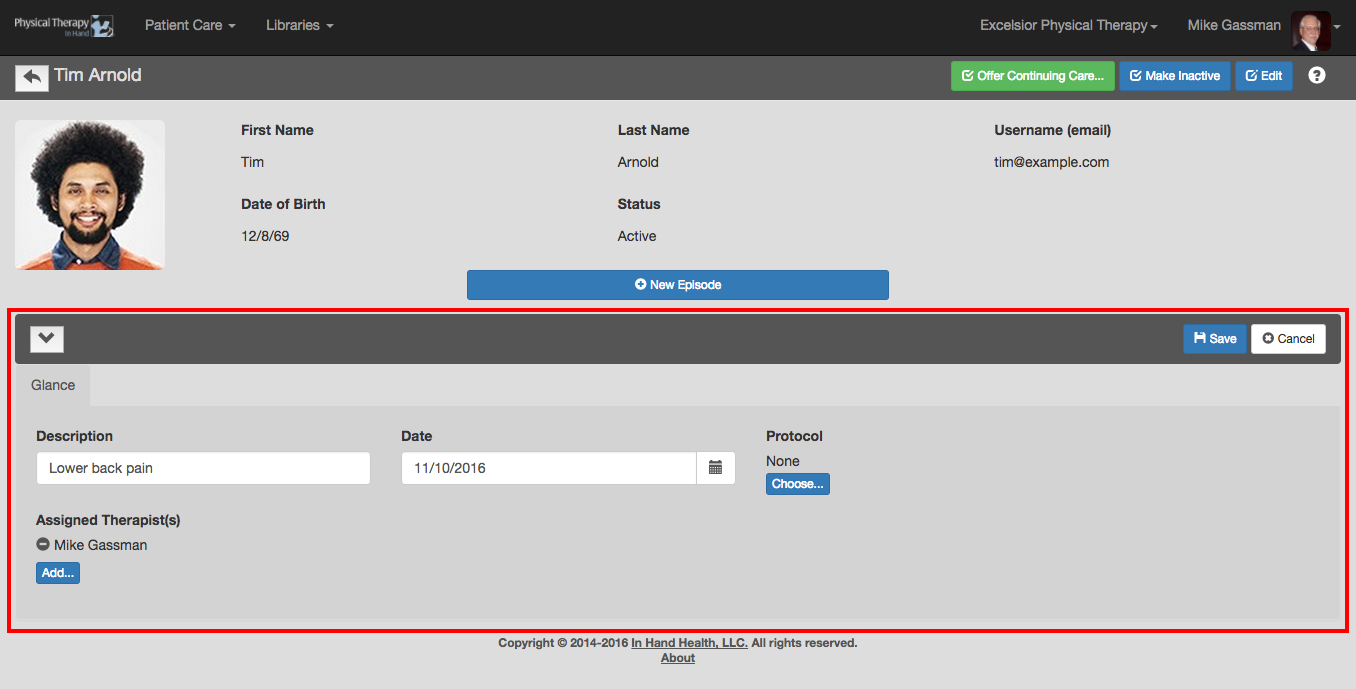
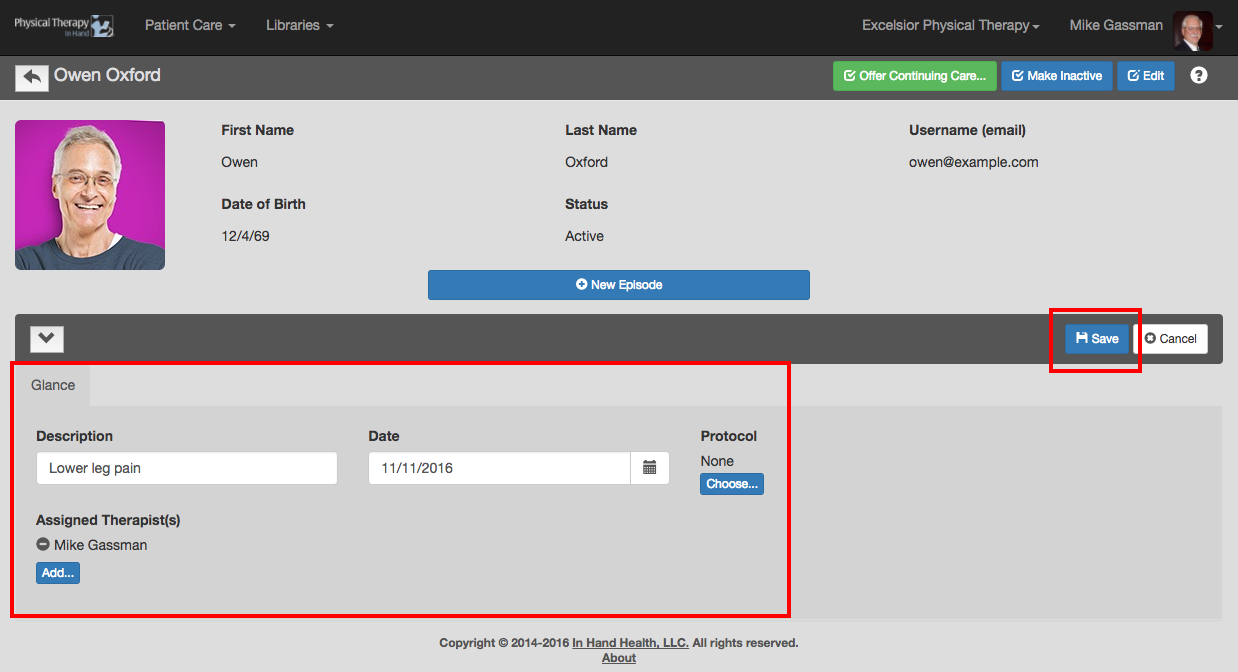
- You will then be asked to describe the patient's episode (eg lower back pain, shoulder instability, etc.).
- Accept today's date as the start of the episode or enter a new one.
- You also need to assign a therapist or therapists from your clinic to the patient. Only the assigned therapists can view the patient's record and will have the patient appear on their dashboard and All Patients list.
- You can also select a Protocol at this time if applicable or leave it at "None".
- Click the "Save" button when you are done.
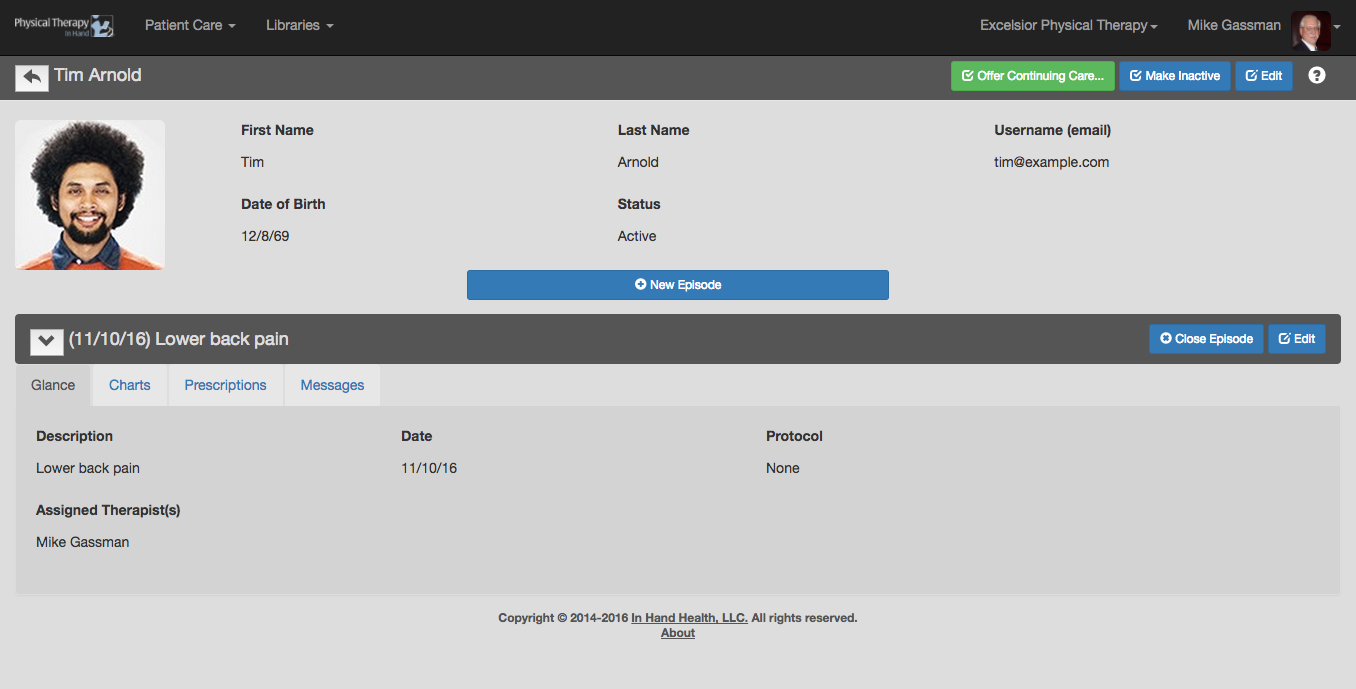
- You can then enter a new Prescription, review the patients charts (though there is no data yet), or send the patient a message through the provided tabs.
- Example of a completed patient record:
Save & New
The Save & New produces a new patient form once you complete a patient record. Use this when you have several patients to enter into the system at one time. Example:
NOTES
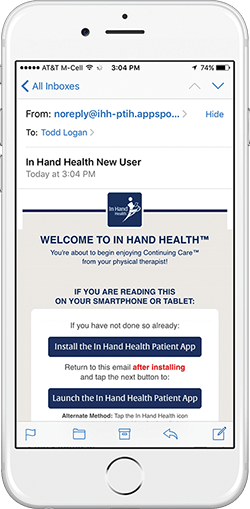
After you enter and save the information for a patient, he or she will receive an email with sign in instructions to the In Hand Health Patient App. (See image below). Recommended: Please have them use their primary smartphone or tablet to read the welcome email, download the app, and sign in the first time. Also, iOS and Android tablets and smartphones are supported but devices that are primarily e-readers (ie Kindle Fire, Nook, etc.) are not supported.
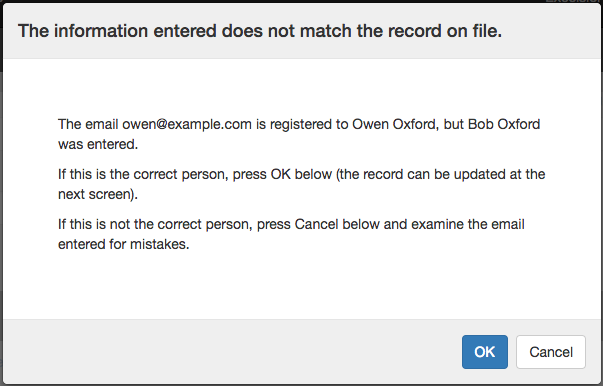
This message surfaces when you enter an email address (username) that is already in the system. Usernames are unique identifiers for patients in Physical Therapy In Hand so be sure you are assigning the right username (email address) to each patient you enter.