
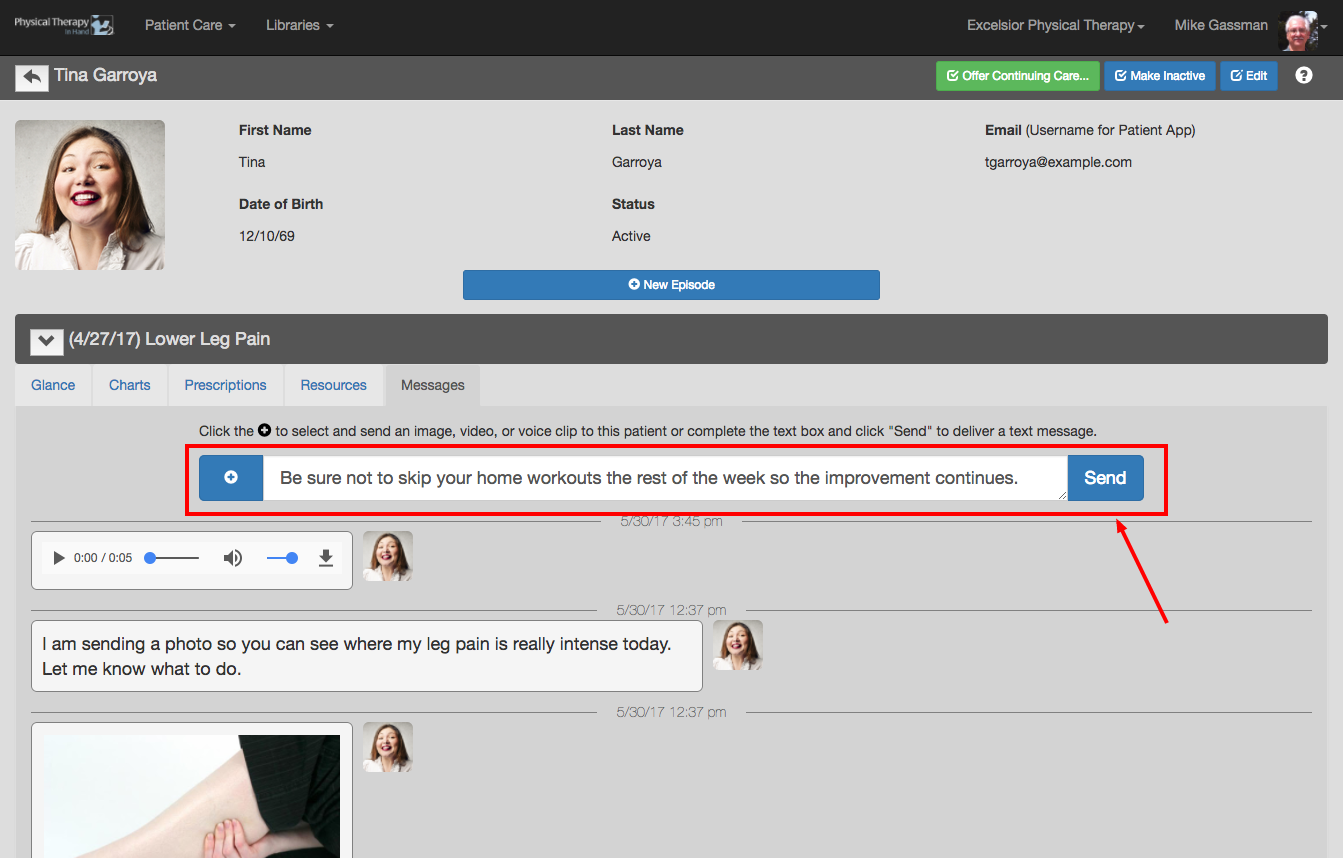
To send a text message to a patient:
- Enter the patient's Messages tab as described in the Messages: Overview and Access section.
- Enter your message in the “Enter a text message...” field.
- Click the blue Send button.
To send a text message to a patient: