
The Prescriptions tab inside each episode of care section provides several tools for constructing and delivering custom home exercise programs for individual patients.
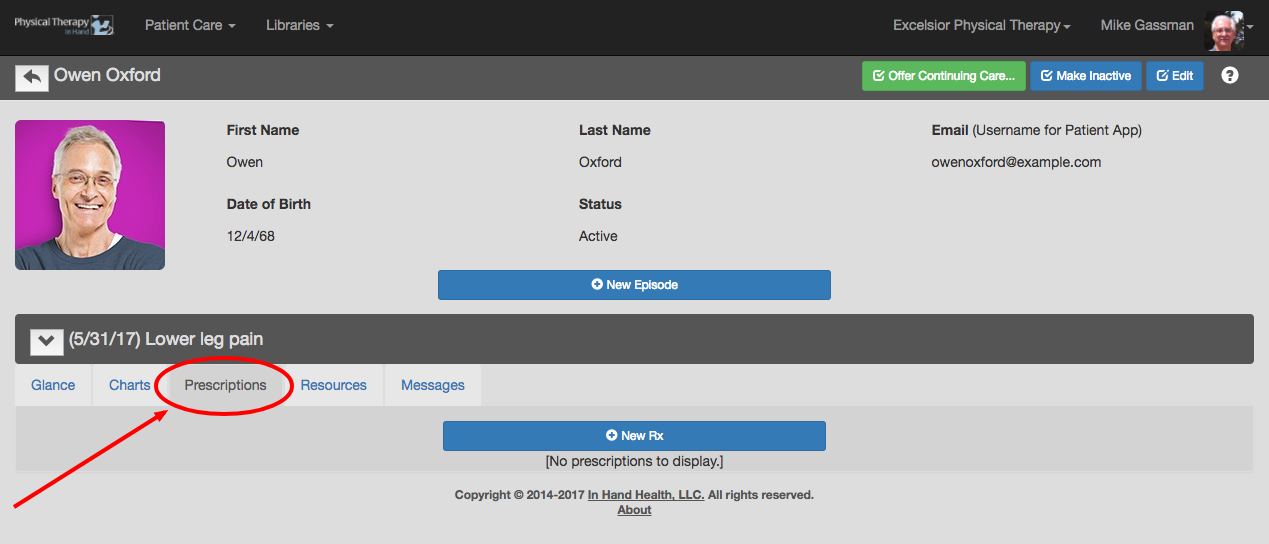
- Access a patient/episode record (see Access Patient Records) and click or tap the Prescriptions tab to begin the process of building and sending a home workout program to a patient.
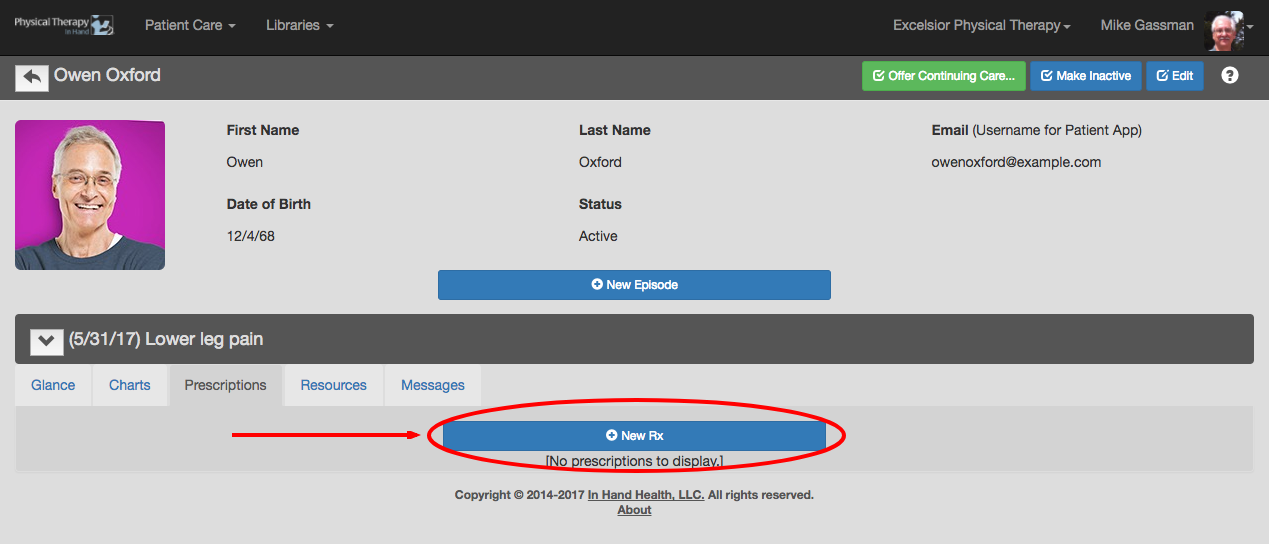
- Click or tap the New Rx button to create the fields for building a new exercise prescription.
- In the Name field, enter a title that will be saved with the prescription in your PTIH account. It also will be visible to your patient inside their In Hand Health Patient App.
- Enter any Special Instructions (these are presented to your patient in the In Hand Health Patient App before they begin exercising) and select a Frequency from the dropdown menu.
- The In Hand Health Patient App automatically tracks adherence to an exercise program as a patient plays the exercise videos on the app. In some cases, you might trust a patient to exercise without the app to guide them. In that case, check the box next to the "Allow patient to log workout without viewing exercises" statement. The patient then will be given a button to tap in the In Hand Health Patient App to indicate they did the exercises on their own.

- See the Prescriptions: Locating Exercises section to add exercises to your new prescription.