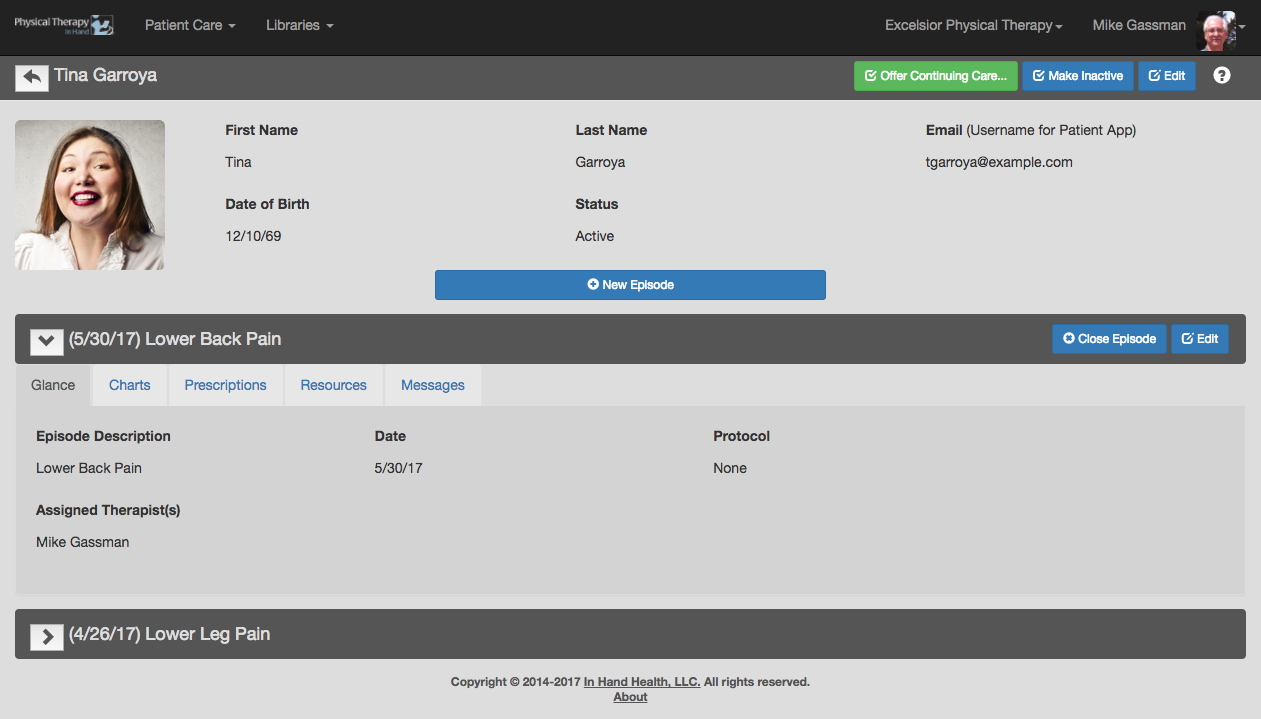
The top half of the At a Glance tab includes the patient’s profile picture, first name, last name, username (their email address), date of birth, and their status in the system.
The lower half includes episode(s) of care for the patient. Click or tap the arrow by each episode name to view its details.
See Add New Patient to learn how this information was entered into the system originally.