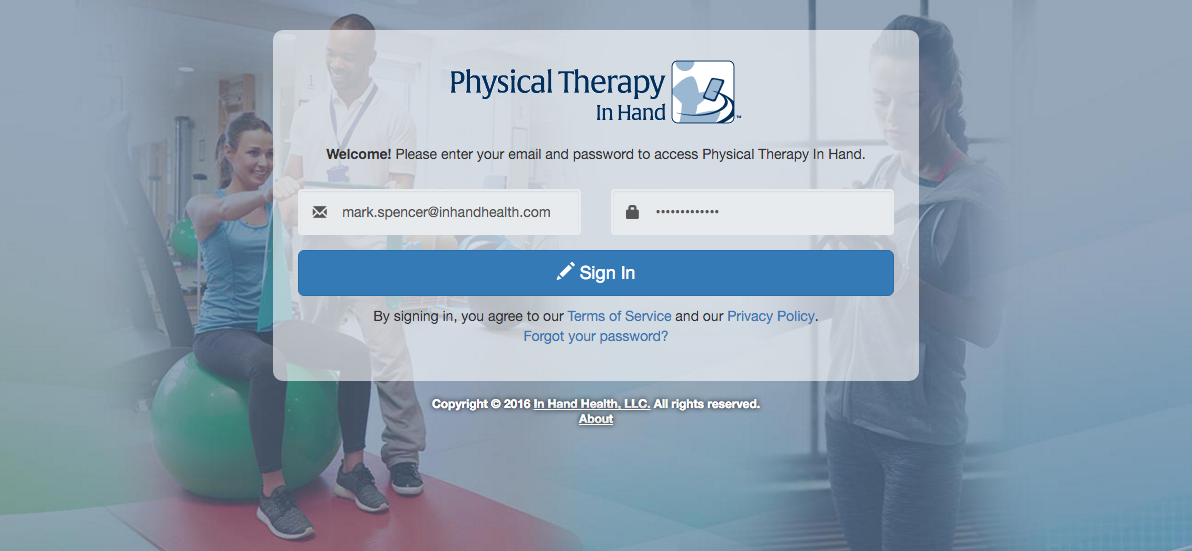
To access PTIH, you must have a username (your email address), password, and be a staff member of an active Clinic (see Create A Clinic and Manage Staff: Add Staff Members). With this information, access your PTIH account through the following steps:
- Open a web browser.
- Visit the following URL: https://clinic.inhandhealth.com
- You can also go to www.inhandhealth.com and click on the Sign In link to access the application.
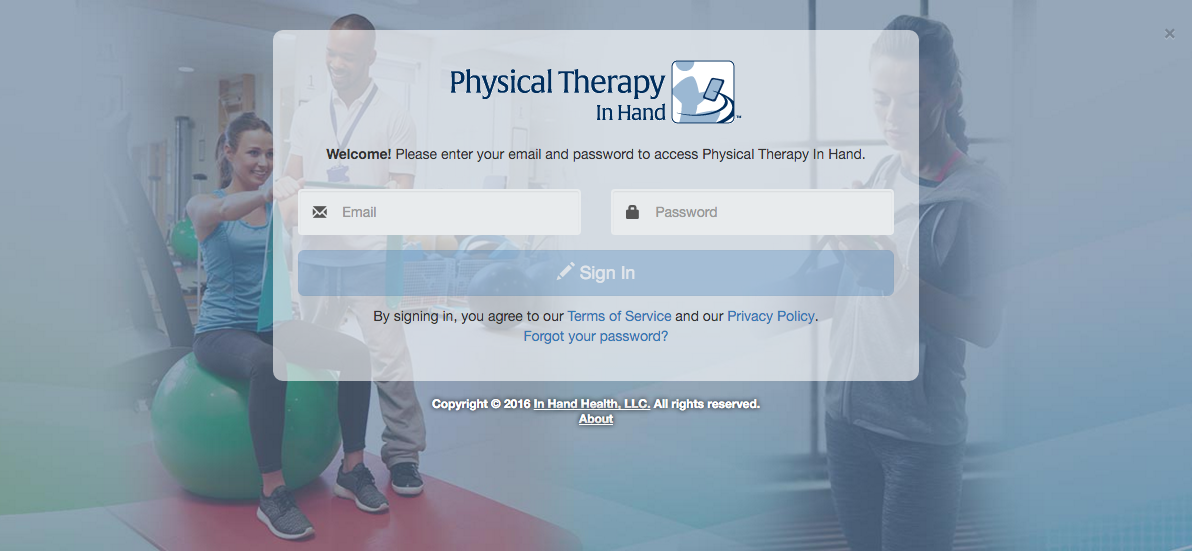
- Complete the Email and Password fields
- Click the Sign In button.